All Posts By Antonio RussoMarch 30, 2026 · 4 min read
Your Entra Risk Policies Are Retiring in October 2026: Here Is How to Migrate Before They Break
By Antonio RussoMarch 30, 2026 · 4 min read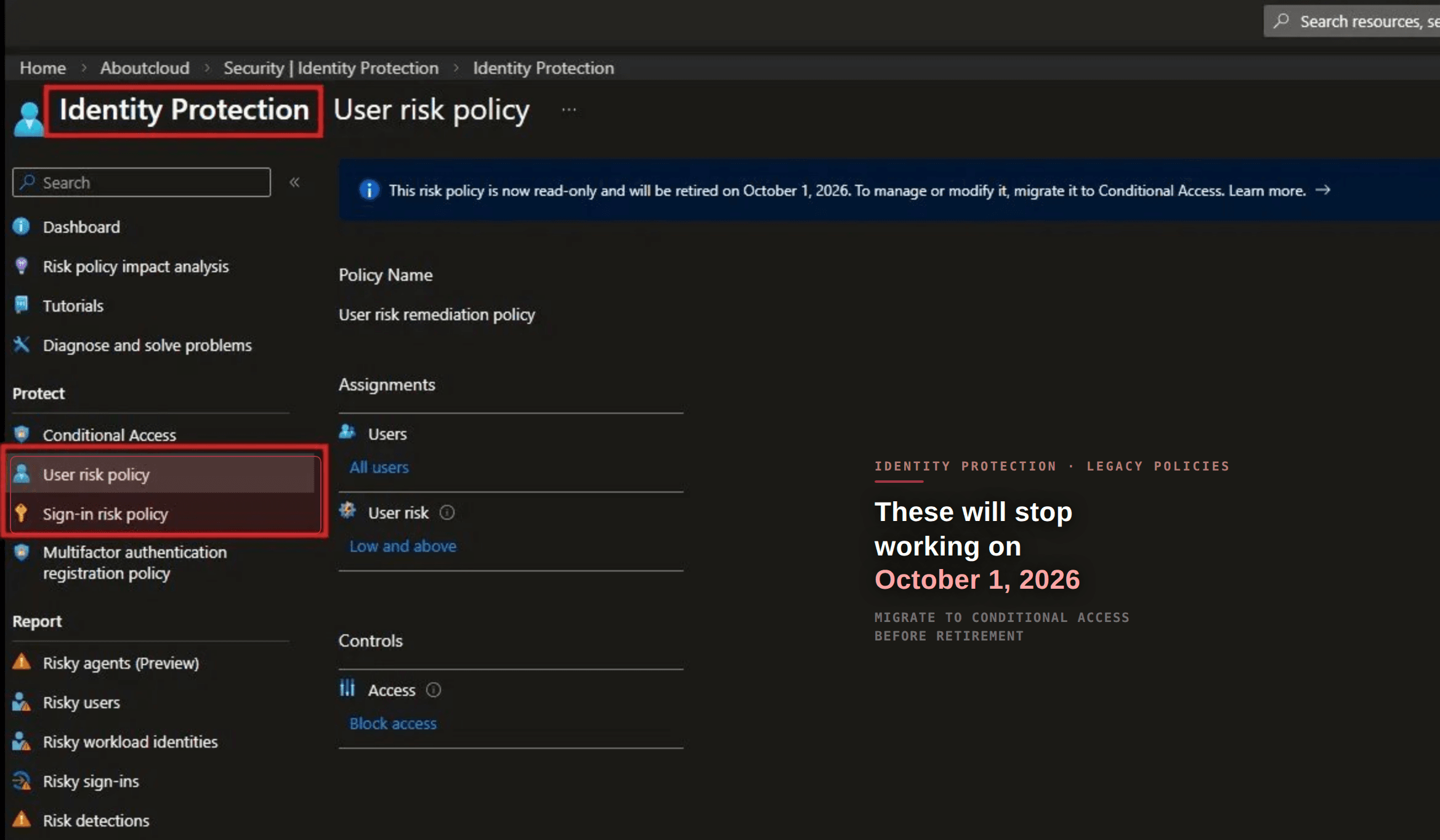
Introduction
If you configured your risk policies directly in Microsoft Entra ID Protection — User risk policy and Sign-in risk policy, they are already read-only since July 2025. On October 1, 2026, they stop enforcing entirely. Silently. No warning at runtime. Users who should be blocked or challenged will not be.
This post is the direct follow-up to the Unified Risk Signals article. In that post we made the risk engine smarter by feeding Defender signals into the Identity Risk Score. Now we ensure those signals actually trigger enforcement, through Conditional Access, not the legacy policy engine.
Role requirements
View legacy risk policiesSecurity ReaderCreate/edit Conditional Access policiesConditional Access AdministratorDisable legacy policiesSecurity AdministratorStep 1: Audit your current legacy policies
Portal path: ID Protection → Dashboard → User risk policy / Sign-in risk policy
Document what you currently have before touching anything:
- Is the User risk policy enabled or disabled?
- What risk level triggers it — Medium, High?
- What is the grant control — Require password change or Block?
- Same questions for Sign-in risk policy


Step 2: Create the replacement Conditional Access policies from scratch
Portal path: Entra ID → Conditional Access → + New policy
You need to create four policies. This is the correct regulated enterprise approach.
Policy 1 — Block high user risk
- Name:
CA-UserRisk-High-Block - Users: All users — exclude break-glass accounts
- Target resources: All resources
- Conditions → User risk: High
- Grant: Block access
- State: Report-only first
Policy 2 — Remediate medium user risk
- Name:
CA-UserRisk-Medium-Remediate - Users: All users — exclude break-glass accounts
- Target resources: All resources
- Conditions → User risk: Medium
- Grant: Require risk remediation
- State: Report-only first
Policy 3 — Block high sign-in risk
- Name:
CA-SignInRisk-High-Block - Users: All users — exclude break-glass accounts
- Target resources: All resources
- Conditions → Sign-in risk: High
- Grant: Block access
- State: Report-only first
Policy 4 — Require MFA for medium sign-in risk
- Name:
CA-SignInRisk-Medium-MFA - Users: All users — exclude break-glass accounts
- Target resources: All resources
- Conditions → Sign-in risk: Medium
- Grant: Require multifactor authentication
- State: Report-only first
Important: do not combine sign-in risk and user risk conditions in the same Conditional Access policy. Create separate policies for each risk condition. Microsoft Learn This is why four policies is the correct approach — one condition per policy, cleanly separated.
For regulated environments: Blocking on high user risk rather than requiring self-remediation ensures that a potentially compromised account cannot access any resource while your SOC investigates. Under frameworks like NIS2, DORA and ISO 27001, evidence of investigation before access is restored is expected — a password change log alone is insufficient.
Microsoft's own recommendation
User riskHighRequire risk remediationSign-in riskHighBlock accessSign-in riskMediumRequire MFAStep 4: Monitor in report-only mode
Before going live, run the policies in report-only mode for at least one week and review impact.
Portal path: Conditional Access → Insights and reporting
Look for:
- How many sign-ins would have been blocked or challenged?
- Are any service accounts or break-glass accounts being caught?
- Are the right users triggering the policy?
Step 5: Switch to On and disable legacy policies
Once satisfied with report-only results:
- Open each new CA policy → set Enable policy to On
- Go back to ID Protection → User risk policy → set Policy enforcement to Disabled
- Same for Sign-in risk policy
Disable the old risk policies in ID Protection. Browse to ID Protection → Dashboard → Select the User risk or Sign-in risk policy and disable policy enforcement. Microsoft Learn


The bonus — add Unified Risk Signals
The elevated Identity Risk Score from Defender now flows through your new Conditional Access user risk condition, something the legacy policies could never do.
Wrapping up + if it doesn't work
Policy not triggering in report-only:
- Verify the User risk condition is set correctly — Medium and above or High only
- Confirm users are registered for MFA — without MFA registration, risk remediation cannot complete
Break-glass account caught by policy:
- Always exclude break-glass accounts explicitly — check the Exclude section of each policy
Legacy policy still showing as enabled after disabling:
- Allow up to 24 hours for the change to propagate
New policy and legacy policy both active at the same time:
- This is safe during the transition — both can run in parallel. Disable legacy only after the new policy is confirmed working.
If you're running a similar setup or have questions, reach out in the comments or on LinkedIn.
— Antonio | AboutCloud
arusso@aboutcloud.io
Tags
Comments
You might also like
Aug 25, 2026
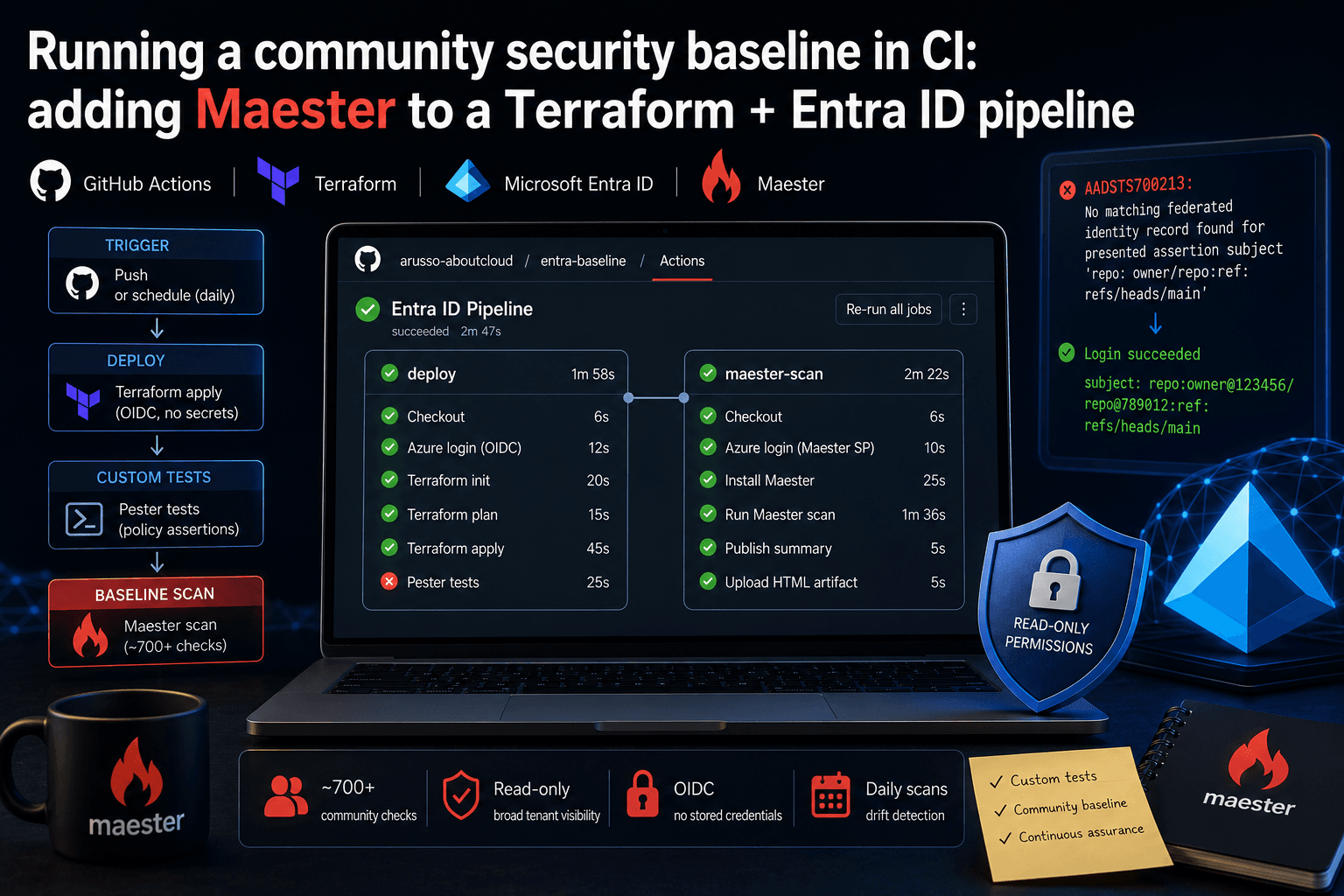
Running a community security baseline in CI: adding Maester to a Terraform and Entra ID GitHub Actions pipeline
Keeping Microsoft Entra ID secure requires constant vigilance. As security configurations, Conditional Access policies, and Privileged Identity Management (PIM) rules evolve, configuration drift becomes an inevitable risk. Manual quarterly reviews leave too much room for silent m
By Antonio Russo
Aug 12, 2026
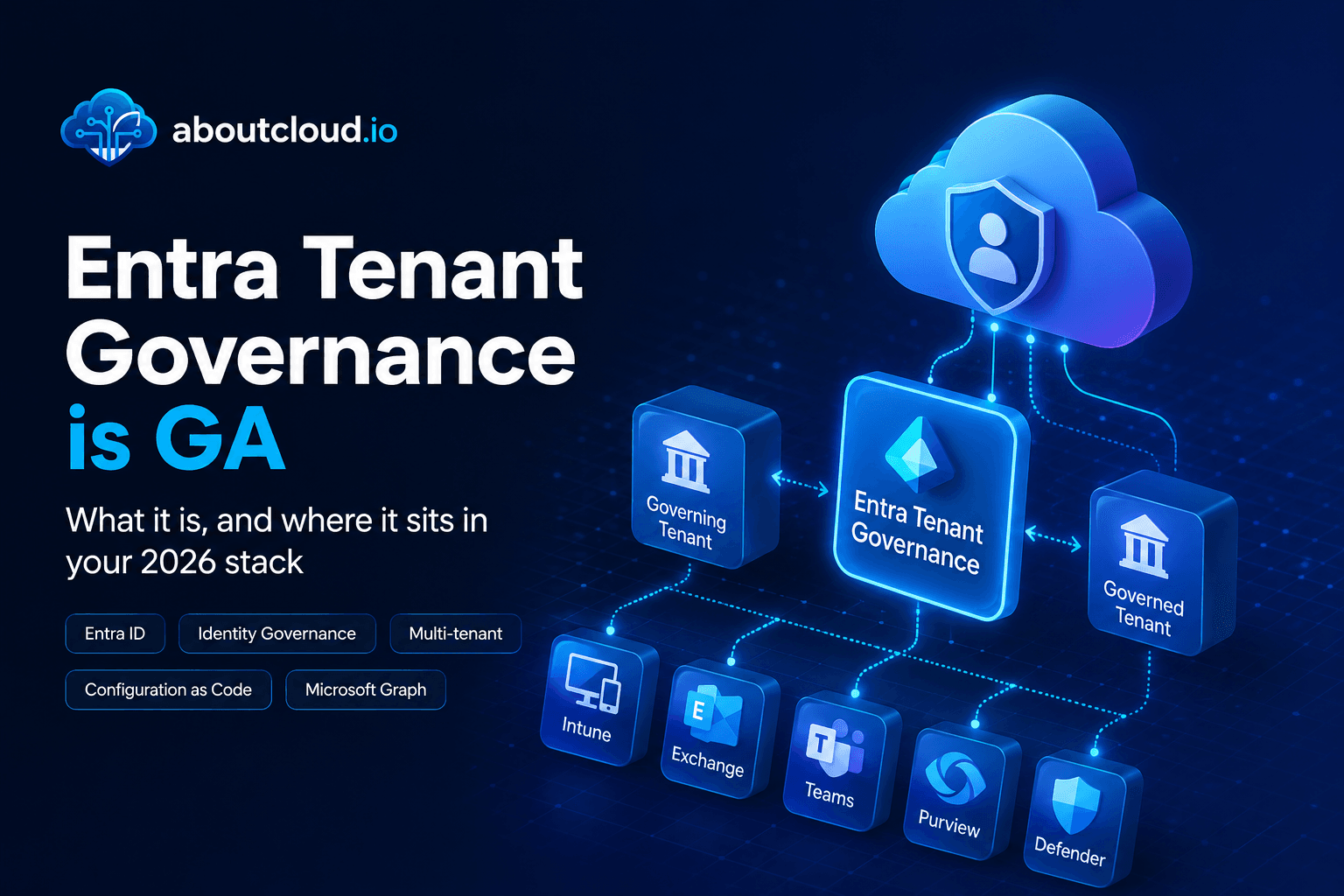
Entra Tenant Governance hits GA: what it actually solves and where it sits in your 2026 stack
A practical read for engineering and governance teams , the actual API surface, the limits that shape your design, and an honest comparison against Microsoft365DSC | Tenant Configuration Management APIs, Maester, ScubaGear and Azure Policy. If you run identity for an organization of any size, you have two lists. The list of tenants you manage, and the list of tenants that exist. They are not the same list, and the gap between them is where incidents start. On 10 August, Microsoft moved Entra T
By Antonio Russo