All Posts By Antonio RussoAugust 25, 2026 · 7 min read
Running a community security baseline in CI: adding Maester to a Terraform and Entra ID GitHub Actions pipeline
By Antonio RussoAugust 25, 2026 · 7 min read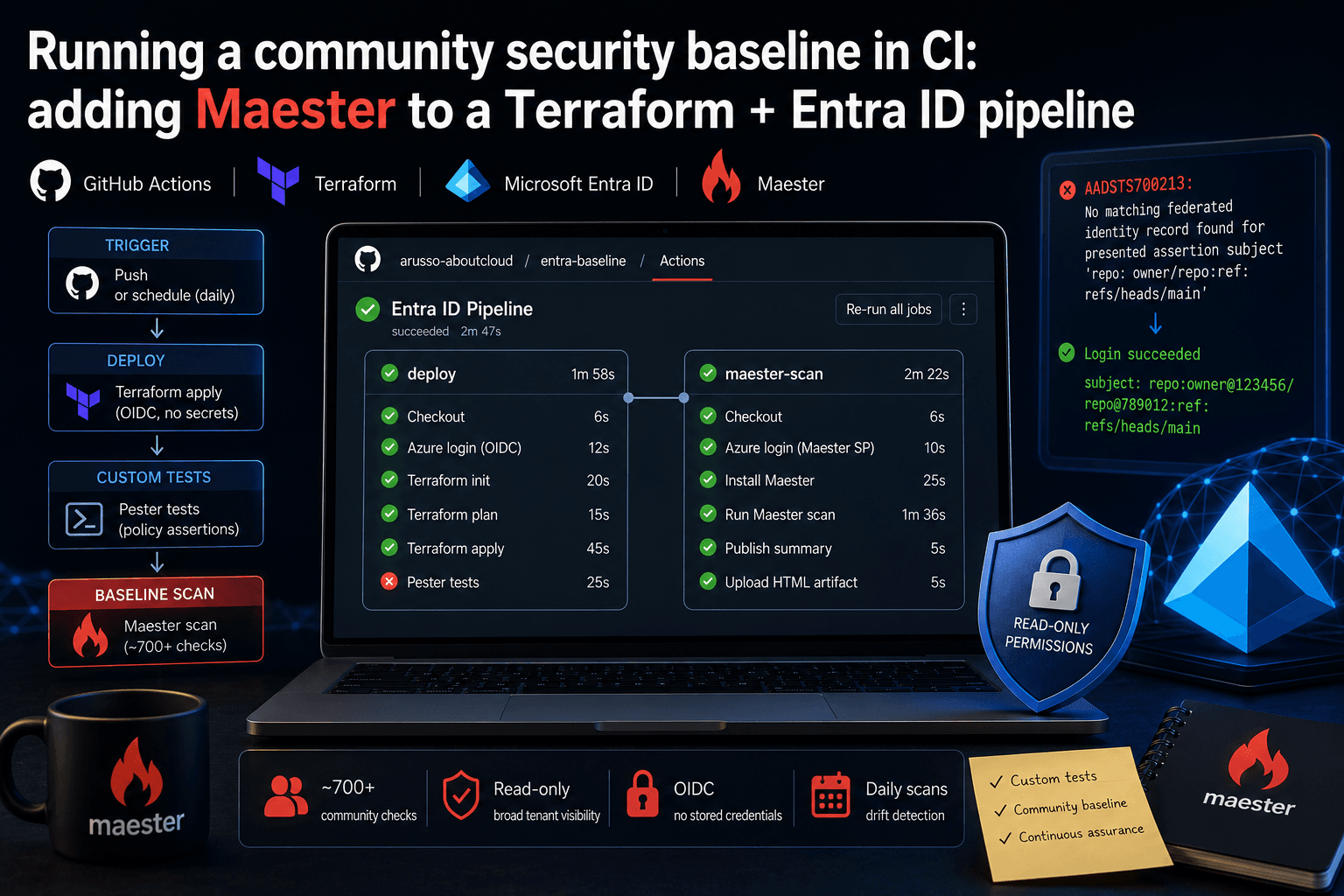
Video Demo in Action
Continuous Entra ID Auditing: Automating Identity Security with Maester
Keeping Microsoft Entra ID secure requires constant vigilance. As security configurations, Conditional Access policies, and Privileged Identity Management (PIM) rules evolve, configuration drift becomes an inevitable risk. Manual quarterly reviews leave too much room for silent misconfigurations. Enter Maester, an open-source, Pester-based test automation framework that turns security baselines into executable unit tests against Microsoft Graph API. We are always thankful to Merril Fernando and the community for putting Maester togheter .
Why Maester for Identity Security?
Maester bridges the gap between infrastructure-as-code principles and cloud identity management. By leveraging PowerShell 7+ and Pester 5, it executes lightweight assertions against your tenant and generates actionable visual reports.
- Automated Validation: Test Conditional Access, MFA registration policies, legacy authentication blocks, and administrative role assignments automatically.
- CI/CD Native: Easily integrate tests into GitHub Actions or Azure DevOps pipelines for daily or triggered execution.
- Customizable Baselines: Add bespoke test cases using standard Pester syntax tailored to your organization's internal compliance requirements.
Step 1: Provisioning Non-Interactive App Registrations
To run Maester unattended within continuous deployment pipelines, authenticate using a dedicated Entra Application Registration with least-privilege Graph API permissions (Directory.Read.All and Policy.Read.All).


The script created the ENTRA ID App with all the required permission to run later as GitHub action CI
Reality Check: Adding Maester to a Live Terraform Entra ID Pipeline
If you’ve been following this project, you know our Terraform pipeline already runs a suite of custom Pester tests (ConditionalAccess.Tests.ps1, Hygiene.Tests.ps1). Those tests are strictly focused on what we built: verifying our specific MFA enforcements, break-glass exclusions, and credential hygiene rules. They answer the question: does my specific policy design work as intended?
But what about the rest of the tenant? What about device management, risky sign-ins, role eligibility, or SharePoint settings—all the things this codebase doesn't manage?
That’s where Maester (maester.dev) comes in. Maester provides a community-maintained baseline of 700+ security checks, answering a completely different question: how does this tenant compare to a broad industry baseline?
Both tests are vital, but implementing Maester into a real, live GitHub Actions pipeline (arusso-aboutcloud/ENTRA_ID) wasn't a tidy, linear success story. Here is exactly what it took to get it working, including the dead ends, the undocumented API behavior, and the actual bugs we had to fix along the way.


The Architecture: Two Identities, Not One
The easiest way to integrate Maester would have been to piggyback on my existing Terraform identity (tf-entra-prod-pipeline). I didn't do that.
Sticking to the project's established "one identity per scope boundary" principle (documented in PERMISSIONS.md), Maester runs under its own app registration: maester-entra-prod-pipeline. Maester requires around 25 broad, read-only Graph scopes spanning AuditLogs, device management, threat hunting, and more. Those scopes have absolutely nothing to do with the identity that holds read-write control over our Conditional Access policies.
Two identities, two federated credentials, and two azure/login@v2 steps in the same CI job. Keep your blast radiuses small.
Bootstrapping Maester
Maester ships with a convenient scaffolding cmdlet called New-MtMaesterApp, designed to provision the app registration, service principal, and permissions in one go.
I ran it. It immediately failed against this environment with:
Invalid URI: The hostname could not be parsedAfter some digging, I traced this to the cmdlet’s internal use of Invoke-AzRestMethod, which was somehow incompatible with my session's Az.Accounts login flow. I couldn't find a documented fix, so I defaulted to the rule we've used throughout this book: when a tool's "happy path" breaks, bypass it and verify against the underlying API.
Instead of fighting the scaffolding tool, I wrote bootstrap/create-maester-app.ps1. This script uses direct Microsoft.Graph SDK cmdlets (New-MgApplication, New-MgServicePrincipal, New-MgApplicationFederatedIdentityCredential, New-MgServicePrincipalAppRoleAssignment) to build the exact same end state by hand.
Pipeline Wiring & The Case of the Vanishing Steps
With the identity created, I wired Maester into .github/workflows/terraform.yml's deploy job. The sequence looked like this: Terraform apply $\rightarrow$ Existing Pester tests $\rightarrow$ Install Maester $\rightarrow$ azure/login@v2 (Maester identity) $\rightarrow$ Graph token exchange $\rightarrow$ Invoke-Maester $\rightarrow$ Upload the HTML artifact.
I pushed the code. The CI job ran. And the Maester steps completely vanished. They didn't fail; they just silently skipped.
The root cause was sitting right above them. My existing Pester step sets $config.Run.Exit = $true and deliberately contains one real, unresolved failure (more on that below). Because it exits non-zero, GitHub Actions' default behavior kicks in and skips every subsequent step. None of my new Maester steps had an explicit condition to run otherwise.
The fix was straightforward: add if: always() to every Maester-related step. One failing test suite should never suppress a completely separate one.

Displaying Results: Keeping It Native and Free
With Maester finally running, I needed a way to read the results.
My first attempt used a popular third-party action (step-security/test-summary-action) to render the output in the GitHub UI. I quickly discovered—by running it, not by reading the fine print—that it requires a paid plan to run on private repositories.
Since a core constraint of this project is keeping things free and minimizing unreviewed third-party code, I pivoted to GitHub's built-in $GITHUB_STEP_SUMMARY. It allows you to append plain markdown directly from the workflow step, rendering natively on the run's Summary tab. No extra actions, zero cost, and no external trust decisions.
As for the full, detailed Maester HTML dashboard? I decided not to publish it to GitHub Pages. On free tiers, GitHub Pages for private repos are still technically public to the internet. Because this is a real security-posture report, I used actions/upload-artifact@v4. It keeps the HTML downloadable for engineers but safely off the public web.
7. The Real Results
So, what did Maester actually find in this tenant?
48 passed / 72 failed out of 726 checks.
A baseline scan is supposed to surface gaps, not return a wall of green. Keep in mind that as the tenant configuration evolves and the Maester community adds new checks, these numbers will drift.

8. Closing the Loop: Scheduling the Scan
Up to this point, the scan only ran when someone pushed code to main. But a security baseline that only refreshes on a Terraform push will miss tenant drift every day the codebase is idle (like someone manually editing a policy in the Entra portal).
I needed a daily schedule. However, naively copying the Maester steps (install, login, token exchange, Invoke-Maester, artifact upload) from terraform.yml into a new cron workflow would mean duplicating our configuration. If a federated credential subject or a Graph scope changed later, I'd have to remember to update it in two places. That is exactly how configuration drift happens.
Instead, I extracted the Maester logic into a reusable workflow: .github/workflows/maester-scan.yml (declared with on: workflow_call:). It is never triggered directly; it only runs when called, using secrets: inherit to pass credentials through.
Now, we have two distinct callers:
- The Push Workflow:
terraform.ymlgained a newmaester-scanjob. Note the change in scope: it now usesneeds: deployandif: always(). Moving Maester into its own job makes the boundary cleaner—a Terraform apply failure won't suppress the scan. - The Daily Workflow:
.github/workflows/maester-daily.ymlhandles the schedule.
I set the cron expression to 17 3 * * * (03:17 UTC daily). Why not 0 3 * * *? Because GitHub's documentation explicitly warns that jobs scheduled for the top of the hour queue behind everyone else's and can be severely delayed under load. It’s a small, real-world detail that makes the pipeline more reliable.


If you're running a similar setup or have questions, reach out in the comments or on LinkedIn.
— Antonio | AboutCloud
arusso@aboutcloud.io
Comments
You might also like
May 17, 2026
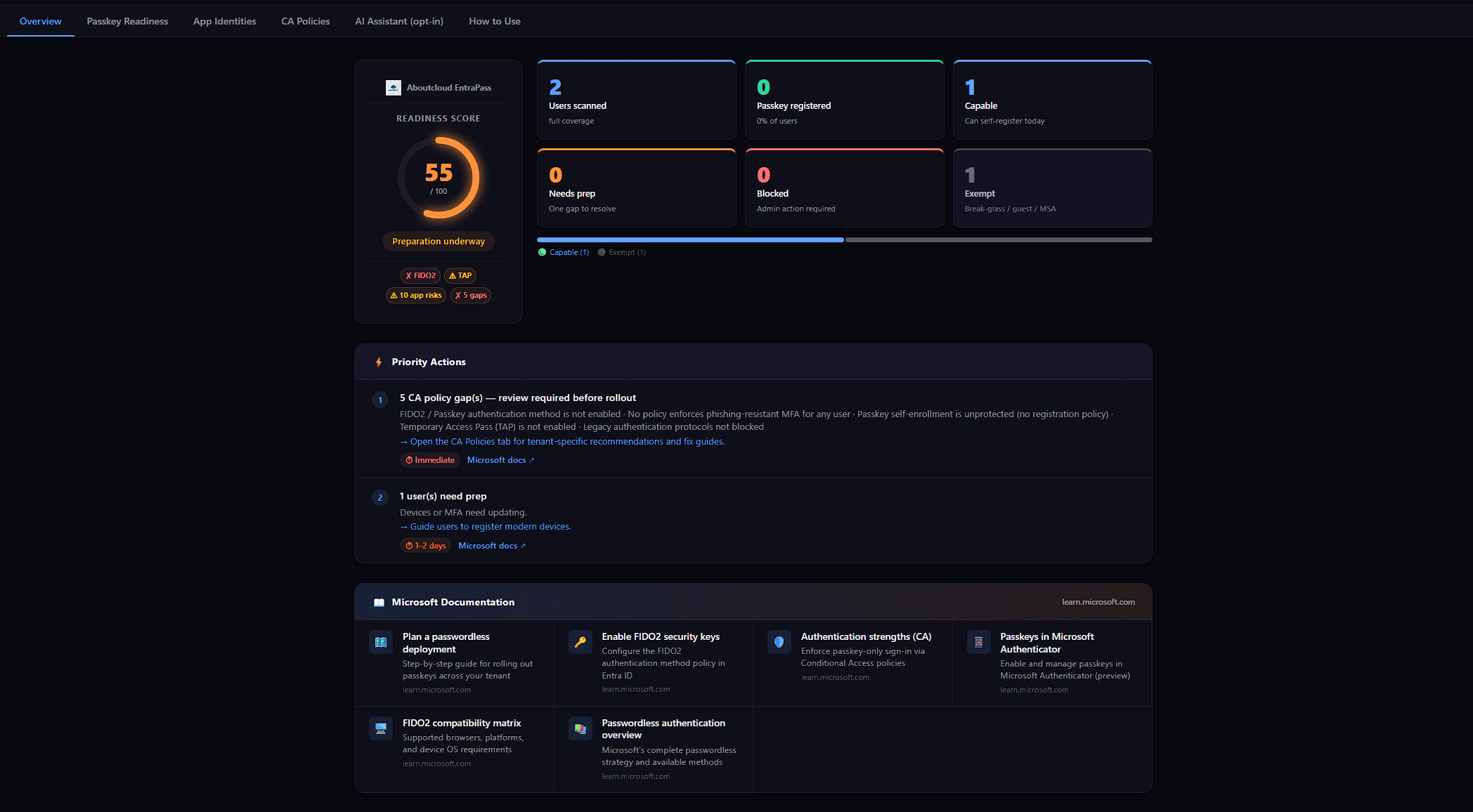
Announcing EntraPass: a passkey readiness scanner that refuses to lie about your tenant
When Microsoft pushed passkeys from future direction to deploy now, I started getting the same question from every IT lead I spoke to: Who in our tenant can actually adopt passkeys this week? And who can't, and why? It's a deceptively simple question. The tooling situation around it is not. The Entra admin portal has the answer spread across four blades. The Microsoft Graph API has the right primitives, but no single endpoint that combines them. The hosted SaaS scanners want either a privilege
By Antonio Russo
Apr 22, 2026
From WhatsApp to Multi-Cloud in 20 Minutes
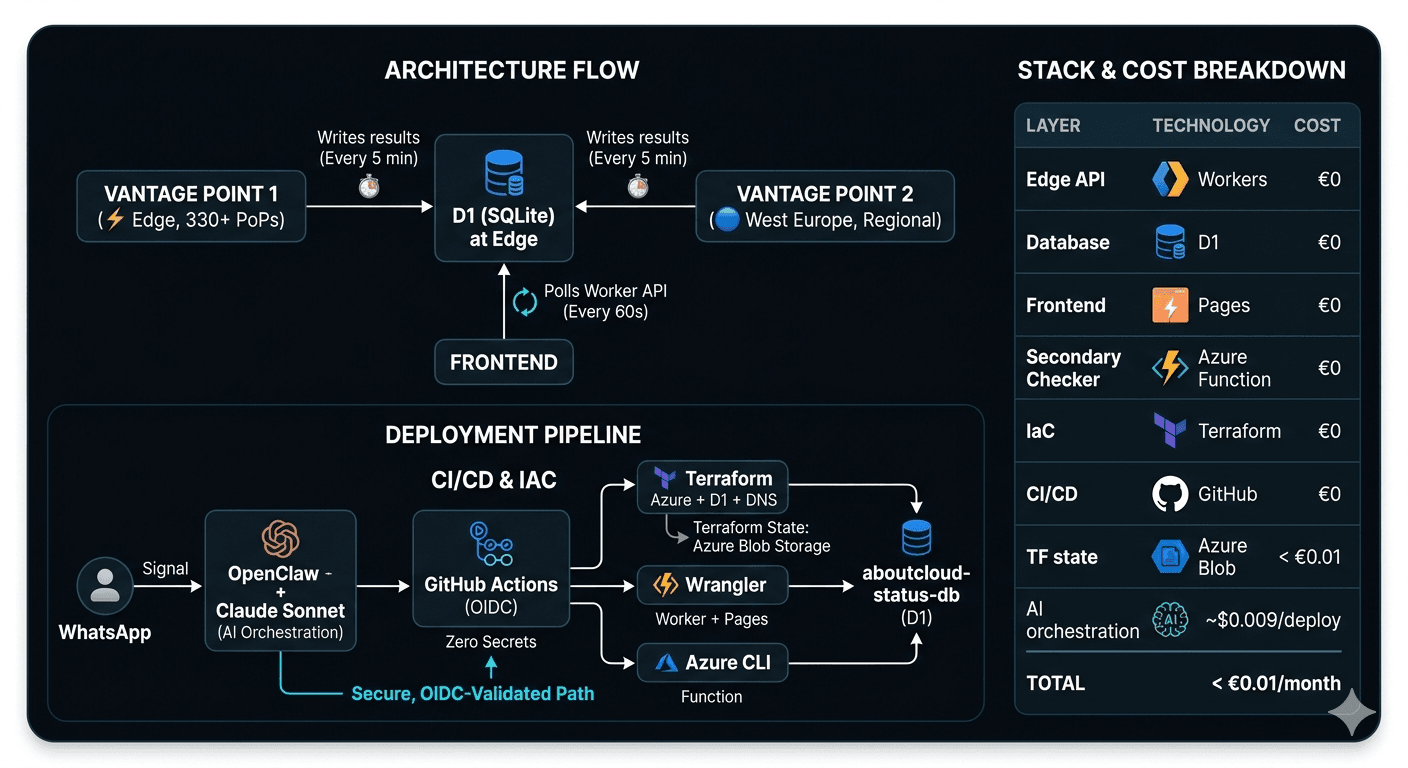
The "Magic" Moment I sent a single WhatsApp message, 20 minutes later, a live, multi-cloud status dashboard (prototype Demo) was public at status.aboutcloud.io. It features two global vantage points, zero stored secrets, a fully automated pipeline, and—crucially—a monthly infrastructure cost of exactly €0. Here is the blueprint of how I built it. Video 👇 0:00 /27:42 1× The Vision: Why aboutcloud.io? aboutcloud.io isn't just a domain; it’s
By Antonio Russo