All Posts By Antonio RussoMarch 31, 2026 · 7 min read
Who Governs the AI Agents? New Microsoft Entra Roles for the Agentic Era
By Antonio RussoMarch 31, 2026 · 7 min read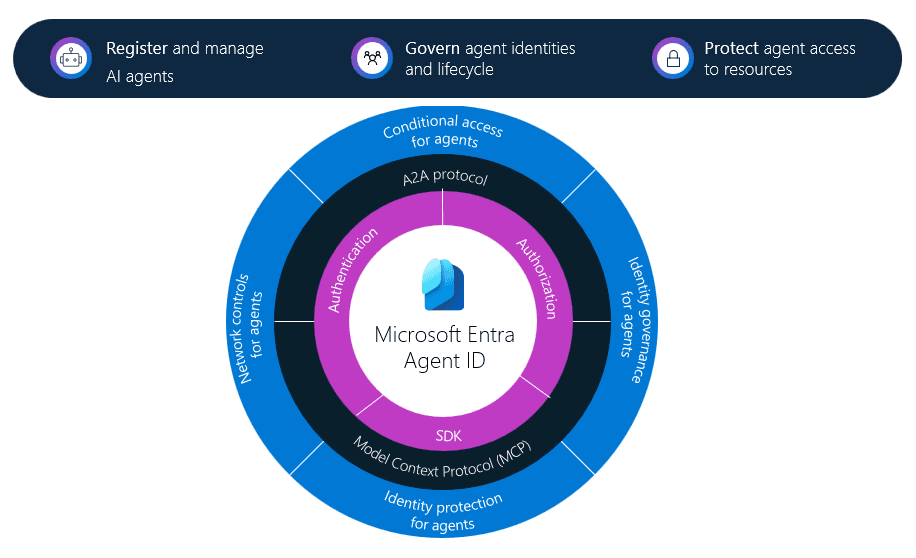
Introduction
AI agents are proliferating inside enterprise Microsoft tenants faster than identity teams can govern them. Copilot Studio, Azure AI Foundry, Security Copilot, and Agent 365 are all creating agent identities — each with permissions, service principals, and access to organizational data.
The question nobody is asking loudly enough is: who has the right to create, manage, and approve these agents — and with what permissions?
Until recently the honest answer was: whoever has Application Administrator or Global Administrator, because there was no better option. That changes with three new Microsoft Entra built-in roles introduced specifically for the agentic era — Agent ID Administrator, Agent ID Developer, and Agent Registry Administrator.
This post explains what each role does, who should hold it, and how to implement zero standing access using PIM — the only acceptable approach in regulated environments under NIS2, DORA, and ISO 27001.
The new Agent ID portal: what your admins will see
To view agent identities in your Microsoft Entra tenant, browse to Entra ID → Agent ID → All agent identities. This page contains a list of all agent identities in your organization, including both agent identity objects and agents using a service principal. Microsoft Learn
 ENTRA Roles
Agent ID Administrator
"Manage all aspects of agents in a tenant including identity lifecycle operations for agent blueprints, agent service principals, agent identities, and agentic users."
This is the operational identity role for AI agents. Think of it as the equivalent of User Administrator — but for agents instead of humans. The Agent ID Administrator controls the full lifecycle: creating agent blueprints, managing service principals, assigning sponsors, and disabling agents that pose a risk.
In a regulated environment this is your identity team's role — not your developers, not your M365 admins. Scope it tightly and activate it via PIM only.
Agent ID Developer
"Create an agent blueprint and its service principal in a tenant. User will be added as an owner of the agent blueprint and its service principal."
This is the least privileged of the three — and deliberately so. A developer building an agent in Foundry or Copilot Studio needs to create a blueprint and its service principal. They do not need to manage anyone else's agents, assign sponsors, or govern credentials.
The key governance detail: the developer is automatically added as owner of what they create. They have no visibility or control over other agents in the tenant. This is the correct separation of duties — developers build, identity teams govern.
For regulated environments this role should be assigned to a dedicated developer group, not individuals, and reviewed quarterly via Access Reviews.
Agent Registry Administrator
"Manage all aspects of the Agent Registry service in Microsoft Entra ID."
This is the approval and publishing role. The Agent Registry is the central catalogue of all agents in your tenant — Microsoft-built, Copilot Studio, Foundry, and custom. The Agent Registry Administrator controls what gets listed, approved, and made discoverable to the organization.
In a regulated environment this maps naturally to your IT governance or change management function — the people who run your change advisory board. An agent being published to the organizational registry is a change that requires approval, documentation, and an accountable owner. This role enforces exactly that.
This is also the role that connects to the agent sponsor concept — every registered agent needs a named human accountable for its lifecycle. The Agent Registry Administrator ensures that accountability is assigned at registration time, before the agent goes live.
The least privilege decision matrix
Developer — Foundry / Copilot StudioAgent ID Developer✅ Own blueprints only❌❌Identity team operatorAgent ID Administrator✅✅ Full lifecycle❌IT governance / change managementAgent Registry Administrator❌❌✅No single persona holds all three. That separation is intentional and is exactly the principle of least privilege applied to AI agent governance.
Classic agents — the governance gap you already have
Before implementing these roles, audit what already exists in your tenant. Any agent created before the Agent ID platform was enabled is a classic agent — a service principal registered the traditional way, without an Agent ID, without a sponsor, and without any of the new governance controls.
Classic agents cannot be protected by ID Protection for Agents or Conditional Access for Agents. They are invisible to the Agent Registry. In a regulated environment, every classic agent is an ungoverned identity with no audit trail — exactly the kind of finding that generates a major nonconformity in an ISO 27001 audit.
Portal path: Entra ID → Agent ID → All agent identities
 Agent ID (Preview)
Implementing with PIM — zero standing access
In any environment subject to NIS2, DORA, or ISO 27001, standing assignment of Agent ID Administrator or Agent Registry Administrator is not acceptable. The blast radius of a compromised account holding either role is significant — full control over every AI agent identity in the tenant.
The correct implementation is PIM with the following settings for both roles:
Portal path: PIM → Microsoft Entra roles → Agent ID Administrator → Settings
- Assignment type: Eligible only — no permanent active assignments
- Maximum activation duration: 4 hours
- Require approval: Yes — identity team lead as approver
- Require justification on activation: Yes — logged for audit
- Require MFA on activation: Yes
- Send notifications on activation: Yes — to SOC distribution list

Apply the same PIM settings to Agent Registry Administrator. The Agent ID Developer role can tolerate a longer activation window — 8 hours is reasonable for a developer working a full sprint day — but should still be eligible-only, never permanently active.
The Security Analyst Agent — not a role, an agent
A common point of confusion after RSAC 2026: Microsoft also announced the Security Analyst Agent and Security Alert Triage Agent in Microsoft Defender. These are AI agents that assist your SOC team — not directory roles assigned to humans.
Your SOC analysts do not need any of the three roles above to use these agents. The Security Analyst Agent operates autonomously within Defender and Sentinel, performing multi-step threat investigations and surfacing findings with transparent reasoning. It requires no role assignment from your identity team — it is governed through Defender, not Entra.
The three roles in this article govern the humans who build and manage AI agents. The Security Analyst Agent is itself an AI agent. Keep those two concepts cleanly separated in your governance documentation.
Wrapping up
The three new Agent ID roles give regulated enterprises the separation of duties they need to govern AI agent identities without defaulting to over-privileged accounts.
The pattern is simple:
- Developers create with Agent ID Developer
- Identity teams govern with Agent ID Administrator
- Governance teams approve with Agent Registry Administrator
- Nobody holds these roles as standing assignments
Agent sprawl is already happening in most tenants. The governance tooling is now available. The only question is whether your organization implements it before an auditor asks who approved that Copilot Studio agent with Application.ReadWrite.All permissions.
If you're running a similar setup or have questions, reach out in the comments or on LinkedIn.
— Antonio | AboutCloud
arusso@aboutcloud.io
Tags
Comments
You might also like
Aug 25, 2026
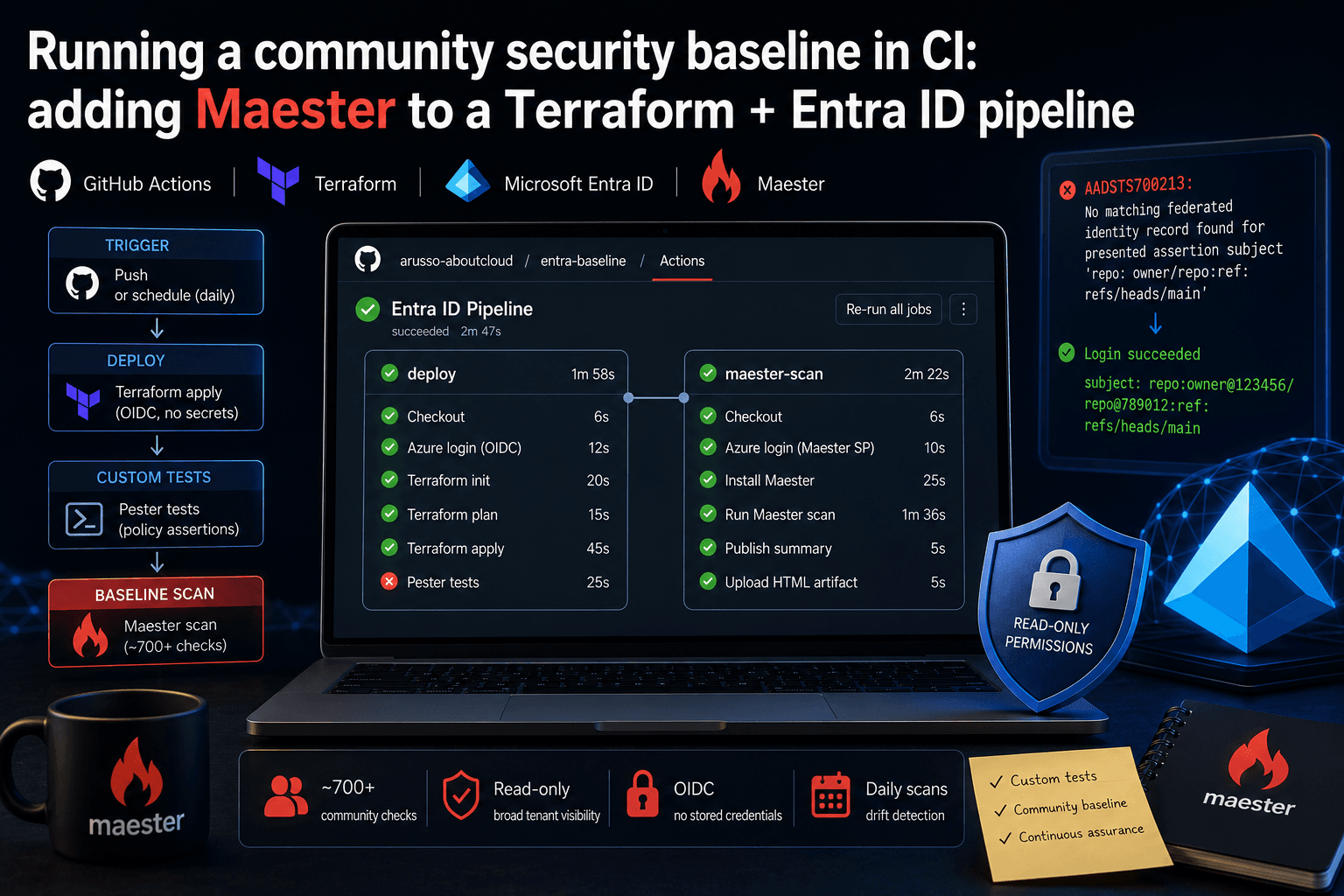
Running a community security baseline in CI: adding Maester to a Terraform and Entra ID GitHub Actions pipeline
Keeping Microsoft Entra ID secure requires constant vigilance. As security configurations, Conditional Access policies, and Privileged Identity Management (PIM) rules evolve, configuration drift becomes an inevitable risk. Manual quarterly reviews leave too much room for silent m
By Antonio Russo
Aug 12, 2026
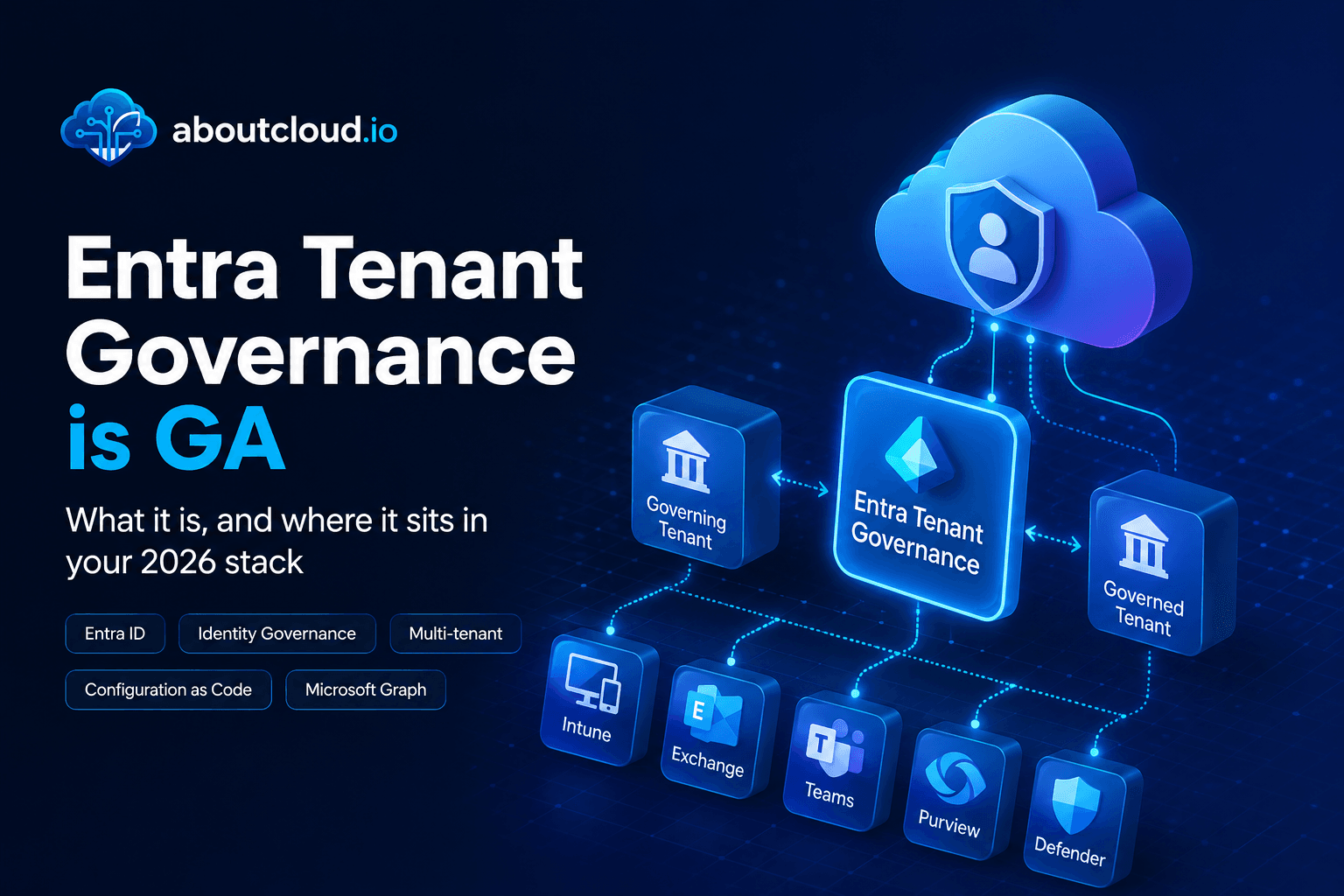
Entra Tenant Governance hits GA: what it actually solves and where it sits in your 2026 stack
A practical read for engineering and governance teams , the actual API surface, the limits that shape your design, and an honest comparison against Microsoft365DSC | Tenant Configuration Management APIs, Maester, ScubaGear and Azure Policy. If you run identity for an organization of any size, you have two lists. The list of tenants you manage, and the list of tenants that exist. They are not the same list, and the gap between them is where incidents start. On 10 August, Microsoft moved Entra T
By Antonio Russo