All Posts By Antonio RussoApril 3, 2026 · 14 min read
Microsoft Agent 365: What Entra Admins and SecOps Teams Need to Know
By Antonio RussoApril 3, 2026 · 14 min read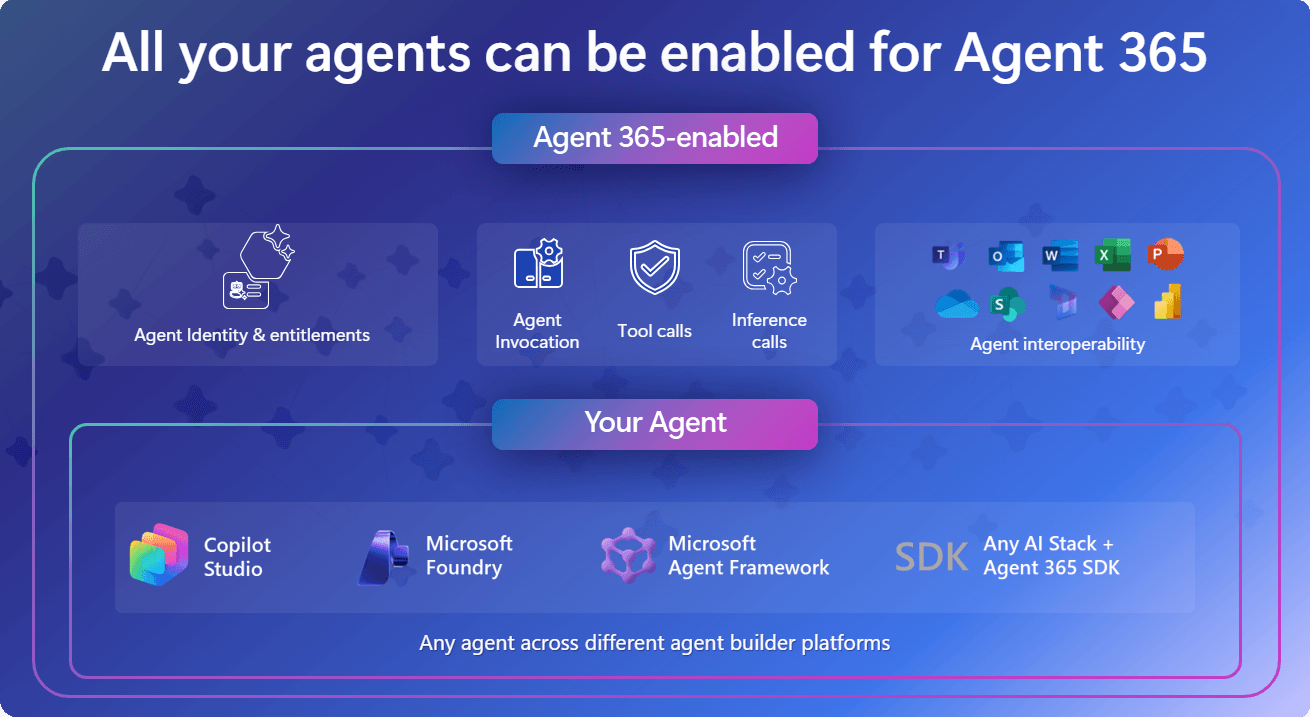
There is a lot of noise about Microsoft Agent 365 right now. Most of it is aimed at MSPs, partners, and IT decision makers asking, "what is it and should we buy it." That is a fair question, but it is not the one I want to answer here.
The question I want to answer is the one that lands on the desk of the Entra administrator and the SecOps analyst: what does this mean for identity security, who is responsible for governing these agents, and what controls actually exist today?
Because here is the uncomfortable truth that most announcements skip over. By the time your organization formally evaluates Agent 365, agents are almost certainly already running in your tenant. Microsoft's own data showed tens of millions of agents appeared in the Agent 365 preview registry within two months of it launching. They were not deployed by IT. They were deployed by people using Copilot Studio, Power Automate, and Azure AI Foundry — doing exactly what those tools are designed to let them do.
The governance problem is not theoretical. It is already here.
What Agent 365 Actually Is ... and What It Is Not
Before getting into the security detail, it is worth being precise about what Agent 365 is, because the marketing framing can obscure the substance.
Agent 365 is not a tool for building agents. That is still Copilot Studio, Azure AI Foundry, and Power Automate. Agent 365 is the governance and observability layer that sits above those tools. If you have used Intune, the analogy is useful: Intune does not run applications, it governs the devices they run on. Agent 365 does not run agents, it governs the identities, permissions, and lifecycle of the agents that do.
Microsoft organizes Agent 365 around three pillars:
Observe — a centralized Agent Registry that provides visibility into every agent in your tenant: who created it, where it runs, what capabilities it has, what data it can access, and whether it currently has an active owner.
Govern — lifecycle management for agent identities, including the new concept of an Agent Sponsor (a named human accountable for each agent), access packages that scope agent permissions using Entra Entitlement Management, and lifecycle workflows that can automatically expire agent access.
Secure — Conditional Access policies that apply to agent identities, Identity Protection signals covering anomalous agent behavior, network traffic inspection for agents via Entra Internet Access, and DLP enforcement on agent interactions through Purview.
The identity foundation underpinning all of this is Microsoft Entra Agent ID, currently in preview and integral to Agent 365.
The SecOps Threat Model: What Can Actually Go Wrong
Let us be specific about the risks, because vague statements about "AI security" are not useful for building a threat model.
Agent Sprawl and Shadow Agents
The most immediate risk is not a sophisticated attack. It is simple proliferation. Anyone with a Copilot Studio license can build an agent that reads SharePoint, answers Teams messages on their behalf, or processes emails autonomously. Without a centralized registry, your security team has no inventory. You cannot protect what you cannot see.
This is the agent equivalent of shadow IT — except agents can act, not just access. A shadow app sitting in a tenant is passive. A shadow agent is active.
Orphaned Agent Identities
When the employee who created an agent leaves the organization, what happens to the agent? Without an assigned sponsor model, the agent continues to run with whatever permissions it was granted, accessing whatever data it was scoped to, indefinitely. The agent does not go through the leaver workflow that would revoke a human user's access. It just keeps operating.
This is not hypothetical. Entra Agent ID specifically addresses this with the Agent Sponsor requirement — a named human owner who must be maintained for each agent. If the sponsor leaves, the agent requires reassignment before it can continue operating. That governance control does not exist for agents today without Agent 365.
Over-Permissioned Agents
Agents built quickly by business users tend to be granted broad permissions because scoping them down requires technical knowledge the creator may not have. An agent built to "help with HR queries" might be granted User.ReadWrite.All on Microsoft Graph because that was the quickest way to make it work during prototyping — and the permission was never reviewed or reduced.
This is the same least-privilege problem that has plagued app registrations and service principals for years. Agent identities inherit it.
Prompt Injection Attacks - (Chek my hands-on LAB Demo)
An attacker who can control data an agent reads — a SharePoint document, an email, a Teams message — can potentially inject instructions that manipulate the agent's behavior. This is prompt injection, and it is specific to AI agents in a way that has no direct equivalent in traditional identity threats.
Defender for Cloud Apps and Purview include controls for this, and Microsoft flagged it specifically in their RSAC 2026 announcements. But it requires agents to be operating within the governed boundary where those controls apply. Shadow agents, by definition, are not.
Compromised Agent Tokens
An agent that authenticates to Microsoft Graph or other APIs holds tokens. A compromised agent token gives an attacker everything the agent is permitted to access, operating under the agent's identity rather than a human. Entra ID Protection extends risk signal detection to agent identities specifically for this reason — flagging anomalous sign-in behavior, unusual resource access, and high-frequency token usage as risk signals.
The key difference from human token compromise is scale and speed. An agent can make thousands of API calls per minute. The blast radius of a compromised agent token can be significantly larger than a compromised user credential for the same permission scope.
Agent-to-Agent Trust (MCP and A2A)
This is the least understood risk and the most forward-looking. Agents increasingly communicate with other agents via Model Context Protocol (MCP) and Agent-to-Agent (A2A) protocols. An agent authorized to access HR data might call a scheduling agent, which calls a communications agent, creating a chain of trust that no single policy evaluation covers.
Entra Agent ID includes agent-to-agent discovery and authorization based on MCP and A2A standards. But this capability is early and the attack surface it creates — where a compromised intermediate agent can be leveraged to reach resources via its trusted relationships — is one that security teams should have on their radar now.

The Entra IAM Angle: Roles, Responsibilities, and Governance Controls
This is where it gets practical. Let us go through the Entra controls that apply to agent identities and which roles in your organization are responsible for them.
The Agent Registry
The Agent Registry in Agent 365 is the central source of truth for all agents in your tenant. It surfaces agents built with Microsoft AI platforms as well as third-party agents registered via APIs. It provides:
- Agent metadata: name, description, creator, creation date, last activity
- Capability and task information
- Protocol information (MCP, A2A)
- Risk signals from Entra ID Protection
- Owner and sponsor assignment status
- Collections (groupings for shared governance — including a Quarantined collection for suspicious agents)
Who manages this: Identity Governance Administrator or Security Administrator in the Entra portal under the Agent 365 section. Global Administrator access is not required and should not be used for routine agent review.
Agent Sponsorship — The New Human Accountability Model
Every agent identity in Entra Agent ID must have an assigned Agent Sponsor. This is a named human user who is accountable for the agent's behavior, permissions, and continued operation. Sponsorship is not optional governance overhead — it is the mechanism that prevents orphaned agents.

The sponsor model means:
- When a sponsor leaves the organization, their agents are flagged for reassignment
- Access packages for agent resources require sponsor approval before the agent can be granted access
- Sponsors appear in audit logs alongside agent actions, creating a chain of human accountability
Who manages this: Typically, the Identity Governance Administrator sets the policy. Line-of-business managers become sponsors for agents their teams create. This is a new operating model that requires process change alongside technical configuration.
Conditional Access for Agents
Entra Agent ID extends Conditional Access to cover agent identities. This means you can create CA policies that:
- Apply specifically to agent identity types (as distinct from users and service principals)
- Target specific agent resources and API endpoints
- Trigger based on agent risk signals from Entra ID Protection
- Block agents with anomalous or high-risk behavior in real time
- Enforce network location controls on agent traffic
The practical implication: your existing CA policy baseline — the one requiring MFA for users and blocking legacy authentication — does not automatically extend to agents. You need to create agent-specific policies. Microsoft provides managed policies as a secure baseline that blocks high-risk agents by default, but you should review and extend these for your organization's specific agent inventory.
Role required: Conditional Access Administrator to create and modify CA policies. Security Administrator to review policy coverage and effectiveness.
Entitlement Management Access Packages for Agents
Rather than granting agents direct Graph API permissions or role assignments, the recommended pattern is to scope agent access through Entitlement Management access packages. This gives you:
- Intentional, documented permission assignments (not ad-hoc app permission grants)
- Time-bound access — packages can have expiry dates, forcing periodic review
- Sponsor-approval required before access is granted
- Full audit trail of access requests and approvals
- Business justification requirement on every access request
The access package approach applies the same least-privilege model you use for human users to agent identities. An agent that needs to read user profiles for HR automation gets an access package scoped to exactly that, reviewed by the HR system owner, with a 90-day expiry.
Role required: Identity Governance Administrator to create and manage access packages. Agent Sponsor to approve access requests.
Identity Protection for Agent Risk Signals
Entra ID Protection now extends risk detection to agent identities. Risk signals include:
- Unusual or unauthorized resource access patterns
- High-frequency sign-in attempts
- Access to resources outside the agent's defined scope
- Activities derived from associated user risk (if a user's account is compromised, agents they sponsor are also flagged)
These risk signals feed back into Conditional Access, enabling automatic remediation — blocking a risky agent's access in real time without requiring a human decision. Automatic remediation can be configured using preconfigured policies in the Agent Registry.
Role required: Security Administrator to review risk signals. Conditional Access Administrator to configure risk-based CA policies that act on agent risk.
Network Controls via Entra Internet Access
Entra Internet Access (part of Global Secure Access) now covers agent traffic. This gives you:
- Full network visibility into all agent actions at the network level
- Web categorization applied to APIs and MCP server endpoints
- Restriction of file uploads and downloads by agents
- Automatic blocking of malicious destinations
- Shadow AI detection — identifying unmanaged AI tool usage at the network level (GA March 31, 2026)
The shadow AI detection capability is particularly relevant for SecOps. It provides tenant-level visibility into which AI services agents and users are connecting to, even those outside the Microsoft ecosystem and outside the Agent Registry.
Licensing: What You Actually Need
This is the section that most posts gloss over. Let me be specific.
Basic agent visibility (Enterprise Apps view)Microsoft Entra ID P1 (included in M365 E3, Business Premium)Agent RegistryAgent 365 ($15/user/month standalone) or M365 E7 ($99/user/month)Entra Agent ID (full governance)Agent 365 or M365 E7, via Frontier early access programmeConditional Access for agentsEntra ID P1 (already required for CA)Identity Protection for agentsEntra ID P2 (included in M365 E5, Entra Suite)Entitlement Management access packagesEntra ID Governance licenceEntra Internet Access / Shadow AI detectionEntra Suite or Microsoft Entra Internet Access addonDLP on agent interactionsPurview (M365 E5 Compliance or standalone)The honest summary: Full agent governance — the combination of Agent Registry, Entra Agent ID, Conditional Access, Identity Protection, and network controls — requires either M365 E7 ($99/user/month) or a combination of Agent 365 + Entra Suite + Entra ID Governance. For most organizations already on M365 E5, the incremental investment to reach full agent governance is Agent 365 at $15/user/month plus review of their Entra ID Governance coverage.
Important note on Frontier: Entra Agent ID features are currently available through the Frontier early access program, which requires M365 Copilot licenses to be enabled. This access requirement will likely change as Agent 365 reaches general availability on May 1, 2026. Watch this space — licensing details are still being confirmed for GA.
What Entra Admins Should Do Before May 1
You do not need Agent 365 licenses to start. Here is what you can do right now with existing tools.
1. Audit your Enterprise Applications for agent-type registrations. In the Entra portal, filter Enterprise Applications by creation date and look for applications created by non-IT users with broad Graph API permissions (User.ReadWrite.All, Files.ReadWrite.All, Mail.Send). These are likely Copilot Studio agents or Power Automate flows operating with service principal identities. This is your baseline agent inventory until the Agent Registry is available to you.
2. Review Copilot Studio environments. If your tenant has Power Platform enabled, check which environments exist and which agents have been published. Power Platform admin center gives you visibility into apps and flows. Any agent published to Teams or running on a schedule is effectively a live agent identity in your tenant.
3. Define your Agent Sponsor policy before you need it. When Agent 365 becomes available, you will need a defined process for assigning sponsors to existing agents. Define the policy now: who becomes the sponsor for agents created by business users, what the escalation path is when a sponsor leaves, and what the default is for agents with no identifiable owner. Getting the process right is harder than configuring the technology.
4. Extend your CA baseline to cover non-human identities. Review your existing Conditional Access policies and check whether they explicitly exclude service principals, managed identities, and workload identities. Agents created in Copilot Studio today typically operate as service principals. Ensure your baseline policies — especially those blocking risky sign-ins and enforcing compliant network access — do not have blanket exclusions for non-human identities.
5. Enable Entra Internet Access Shadow AI detection. This went to GA on March 31, 2026, and requires Entra Internet Access in your environment. It provides network-level visibility into AI tool usage across your organization — including tools and agents that operate completely outside Microsoft's ecosystem. This is the fastest way to understand your shadow AI exposure before you have governance tooling in place.
The Bigger Picture
Agent 365 represents something Microsoft has been moving towards for years — extending the identity-first security model to non-human identities. It is the natural progression from the Workload Identity capabilities that emerged for service principals and managed identities, applied to a new and rapidly growing category of identity.
For Entra administrators and SecOps teams, the mental model shift is the most important thing. Agents are not applications. They are not devices. They are not users. They are a new category of identity with their own risk profile, their own governance requirements, and their own attack surface.
The good news is that the tools Microsoft is building for agent governance are grounded in the same Entra framework you already know. Conditional Access, Identity Protection, Entitlement Management, Identity Governance — these are not new concepts. They are being extended to cover a new identity type. If you have invested in building a mature Entra identity security posture, you are better positioned than most to extend it to agents.
The organizations that will struggle are the ones that treat agent governance as something to configure after deployment, rather than as a prerequisite to deployment. The tens of millions of agents that appeared in the preview registry within two months of Agent 365 launching are a data point about what "after deployment" looks like in practice.
Agent sprawl is not a future problem. It is a current state. The question is only whether you have visibility into it.
— Antonio | AboutCloud
arusso@aboutcloud.io
Tags
Comments
You might also like
Aug 25, 2026
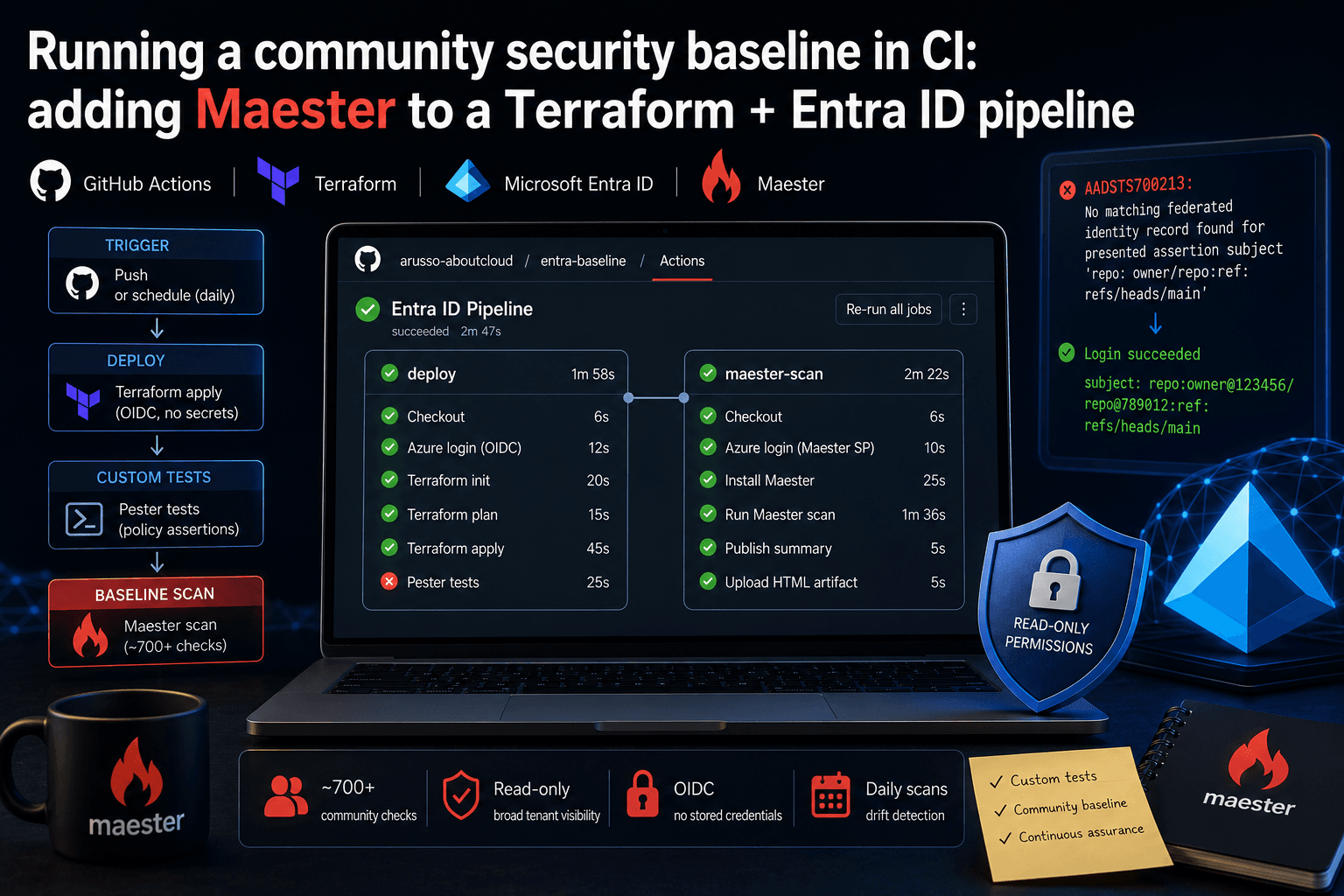
Running a community security baseline in CI: adding Maester to a Terraform and Entra ID GitHub Actions pipeline
Keeping Microsoft Entra ID secure requires constant vigilance. As security configurations, Conditional Access policies, and Privileged Identity Management (PIM) rules evolve, configuration drift becomes an inevitable risk. Manual quarterly reviews leave too much room for silent m
By Antonio Russo
Aug 12, 2026
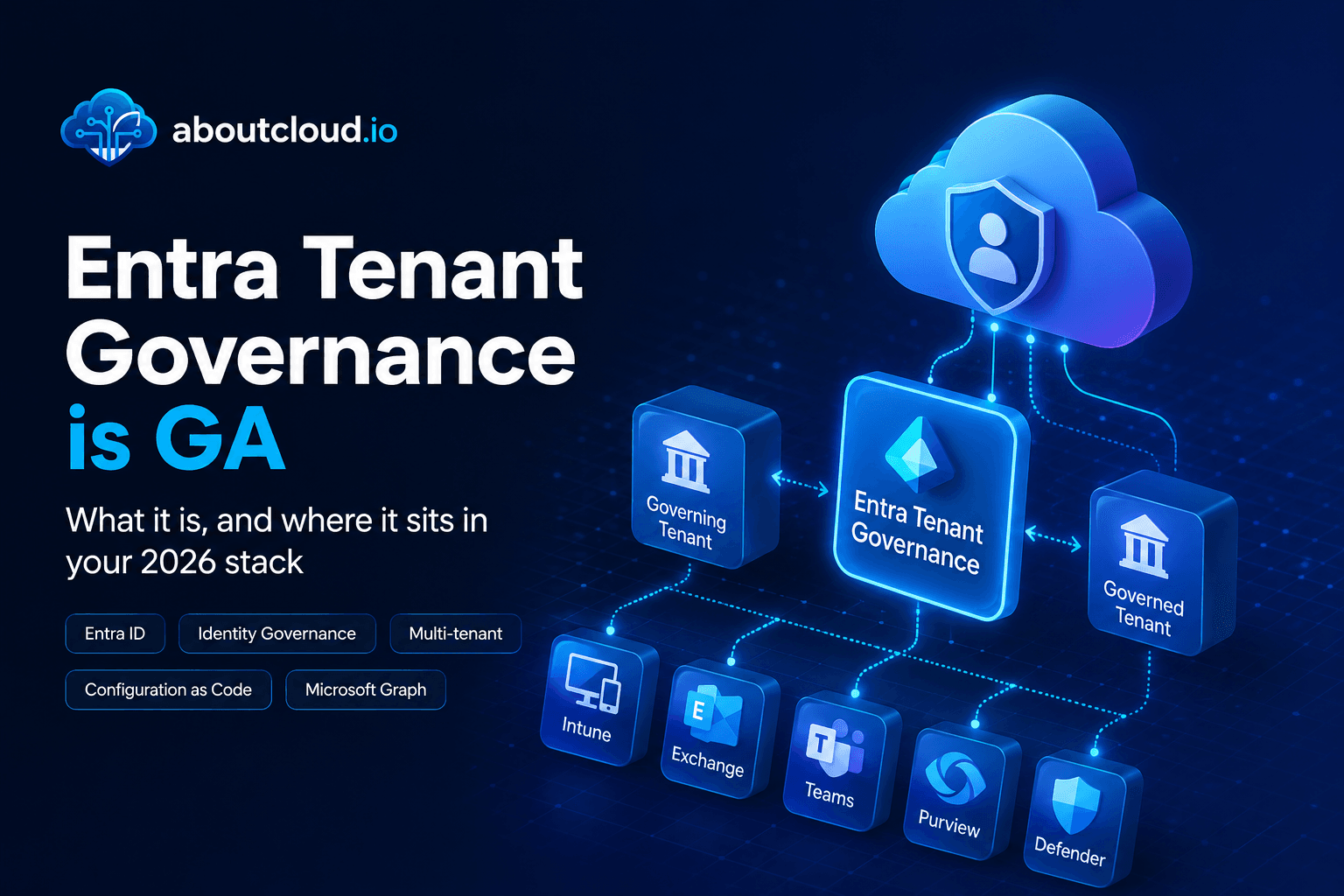
Entra Tenant Governance hits GA: what it actually solves and where it sits in your 2026 stack
A practical read for engineering and governance teams , the actual API surface, the limits that shape your design, and an honest comparison against Microsoft365DSC | Tenant Configuration Management APIs, Maester, ScubaGear and Azure Policy. If you run identity for an organization of any size, you have two lists. The list of tenants you manage, and the list of tenants that exist. They are not the same list, and the gap between them is where incidents start. On 10 August, Microsoft moved Entra T
By Antonio Russo