All Posts By Antonio RussoMarch 31, 2026 · 7 min read
I Built a Live Microsoft Entra Change Tracker for the Community: Here Is How and Why
By Antonio RussoMarch 31, 2026 · 7 min read
The Microsoft identity community is one of the most active and generous technical communities I know. People share KQL queries, Conditional Access templates, migration notes, and lab write-ups freely. Tools like AzAdvertizer, the Entra ID exporter, and dozens of community GitHub repositories exist because practitioners wanted to give something back , not because there was a gap nobody else noticed.
This tracker is built in that same spirit.
Microsoft publishes Entra changes across several channels — the What's New page on Microsoft Learn, the Tech Community Entra blog, individual product documentation pages, and the Microsoft 365 Message Center. Staying current across all of them takes time, and most identity engineers I speak with have their own system — a set of bookmarks, a weekly RSS reader session, a calendar reminder to check the What's New page. What I wanted to build was a shared version of that personal system — one that surfaces urgency, not just information.
Context first, then action
A list of change announcements is not enough on its own. What identity engineers and enterprise architects need to know is not just what changed — it is whether they need to act today, schedule a review for next quarter, or simply stay aware.
That is why the tracker uses a traffic-light model rather than a flat feed. Red means action is required before the deadline shown. Yellow means a review is recommended. Green means awareness only — a new capability is available when you are ready for it. The deadline countdown alongside each entry is not decoration. It is the reason the tracker exists in a different form from a documentation page.
Why Cloudflare
Cloudflare delivers this in a way nothing else does. Cloudflare Workers process 100,000 requests per day on the free tier. Cloudflare KV stores and serves cached data for free. Cloudflare Pages hosts the frontend for free. The custom domain (tracker.aboutcloud.io) lives on Cloudflare DNS I already use for the blog, so adding a CNAME record costs nothing. No server, no LXC, no container, no OS to patch, no certificate to renew, no bill at the end of the month.
The entire infrastructure is someone else's problem. Mine is the code.
 HLD Architecture
The flow is simple by design. Three Microsoft RSS feeds flow into a Cloudflare Worker every four hours via a cron trigger. The Worker parses each entry, classifies it by category (retiring, breaking, preview, or new), extracts any deadline dates from the description text using pattern matching, scores urgency based on days remaining, applies a hygiene filter that purges entries older than six months, and writes the result as JSON to Cloudflare KV. When a reader opens tracker.aboutcloud.io, the Cloudflare Pages frontend fetches that cached JSON from the Worker API and renders it client-side. No database. No framework. No server.
The cron trigger pre-warms the cache every four hours so the first visitor of each cycle never waits for a live RSS fetch. The KV cache TTL matches the cron interval. The hygiene filter runs on every cache write, not on read, so the frontend always receives clean data.
What it costs ?
Scheduled job + APICloudflare Workers free tier$0JSON cacheCloudflare KV free tier$0Frontend hostingCloudflare Pages free tier$0Custom domainAlready owned$0RSS dataMicrosoft public feeds$0AnalyticsUmami on existing Proxmox LXC$0Total$0 / monthWhy RSS and not the Microsoft Graph API
The Graph API would give richer, more structured data. It would also require an Entra app registration, OAuth authentication, proper scoping, token management, and a refresh cycle. RSS requires an HTTP GET.
Microsoft's What's New page and Tech Community blog both publish RSS feeds — public, unauthenticated, and consistently updated. The constraint of using only public data sources has a second benefit: the tracker works for anyone, anywhere, without any tenant configuration. No one needs to grant consent to an app. No service principal. No permissions to review. You open the URL and the data is there.
What is next
The tracker and the Aboutcloud blog article series are designed to feed each other. Each published post links to the relevant tracker entry. Each tracker entry with a corresponding deep-dive links back to the article. As more posts in the Entra series blog are published, the tracker gains context — not just data, but interpretation.

The GitHub repository with all source files (Worker code, frontend HTML, scripts from the series) will be made public shortly.
Update — April 2026: Personalized Tenant Intelligence
Since publishing this post, the tracker has grown significantly. Here is what is new.
Entra AADSTS Error Reference
The community asked for more. I built a companion tool — a free, auto-updating AADSTS error code reference with 349 codes sourced directly from Microsoft Learn, enriched with severity classification, plain-English fix hints, and Conditional Access trigger detection. It lives at entraerrors.aboutcloud.io and follows the same zero-cost, fire-and-forget architecture.
My Tenant Profile — personalised change feed
The tracker now lets you configure your tenant profile — hybrid identity, ADFS, legacy authentication, Conditional Access, Intune, PIM, passkeys, Global Secure Access, SSPR, and more. Once saved locally in your browser, the tracker highlights every change that is relevant to your specific setup with a 🎯 Affects your tenant badge and a dedicated filter.
No data leaves your browser. No account required. No server involved. Your profile lives in localStorage and applies instantly.
This transforms the tracker from a broadcast feed into personalised Entra intelligence — showing you only what matters to your environment, not everything Microsoft is changing across the entire platform.
Both tools are free, community-built, and auto-updating. The goal remains the same as when I started: give Entra ID administrators the tools they actually need, not the ones that are easiest to build.
My Tenant Profile — a personalised change feed
The tracker now lets you configure your tenant profile. Hybrid identity, ADFS, legacy authentication, Conditional Access, Intune, PIM, passkeys, Global Secure Access, SSPR, External ID, B2C — you tell the tracker which of these are part of your environment, and it responds by highlighting every change that is relevant to your specific setup with a 🎯 Affects your tenant badge and a dedicated filter.
No data leaves your browser. No account required. No server involved. Your profile lives in localStorage and applies instantly.
This is the part I am most pleased with, because it addresses the core frustration I had with the existing Microsoft tooling when I first built this. The Entra What's New page publishes everything — 90 items a month across the entire platform, spanning Global Secure Access, External ID, B2C, PIM, Lifecycle Workflows, and more. For an administrator running a mid-sized hybrid environment with Conditional Access and no B2C tenants, 80 percent of that is noise. The tenant profile strips that noise out and surfaces the changes that actually need their attention.
It transforms the tracker from a broadcast feed into personalised Entra intelligence.
External ID tracking
The tracker now surfaces Microsoft Entra External ID (CIAM/B2B) changes as a separate stream. If your organisation builds customer-facing applications on Microsoft identity, or manages B2B guest access at scale, External ID now has its own stat card, its own filter, and its own urgency breakdown — separate from the core Entra ID workforce feed.
The 16 External ID items currently live in the tracker span GA releases for JIT password migration, native authentication MFA, client credentials, session controls, and cross-tenant group synchronization. If any of these are relevant to your stack, the tenant profile will flag them automatically.

The canonical URL has changed
The tracker moved to entratracker.aboutcloud.io. The old URL at tracker.aboutcloud.io redirects permanently, so nothing breaks — but the new address is cleaner and easier to share.
Both tools are free, community-built, and auto-updating. The goal remains the same as when I started: give Entra ID administrators the tools they actually need, not the ones that are easiest to build.
Try the tracker: entratracker.aboutcloud.io
Try the error reference: entraerrors.aboutcloud.io
— Antonio | AboutCloud
arusso@aboutcloud.io
Comments
You might also like
Aug 25, 2026
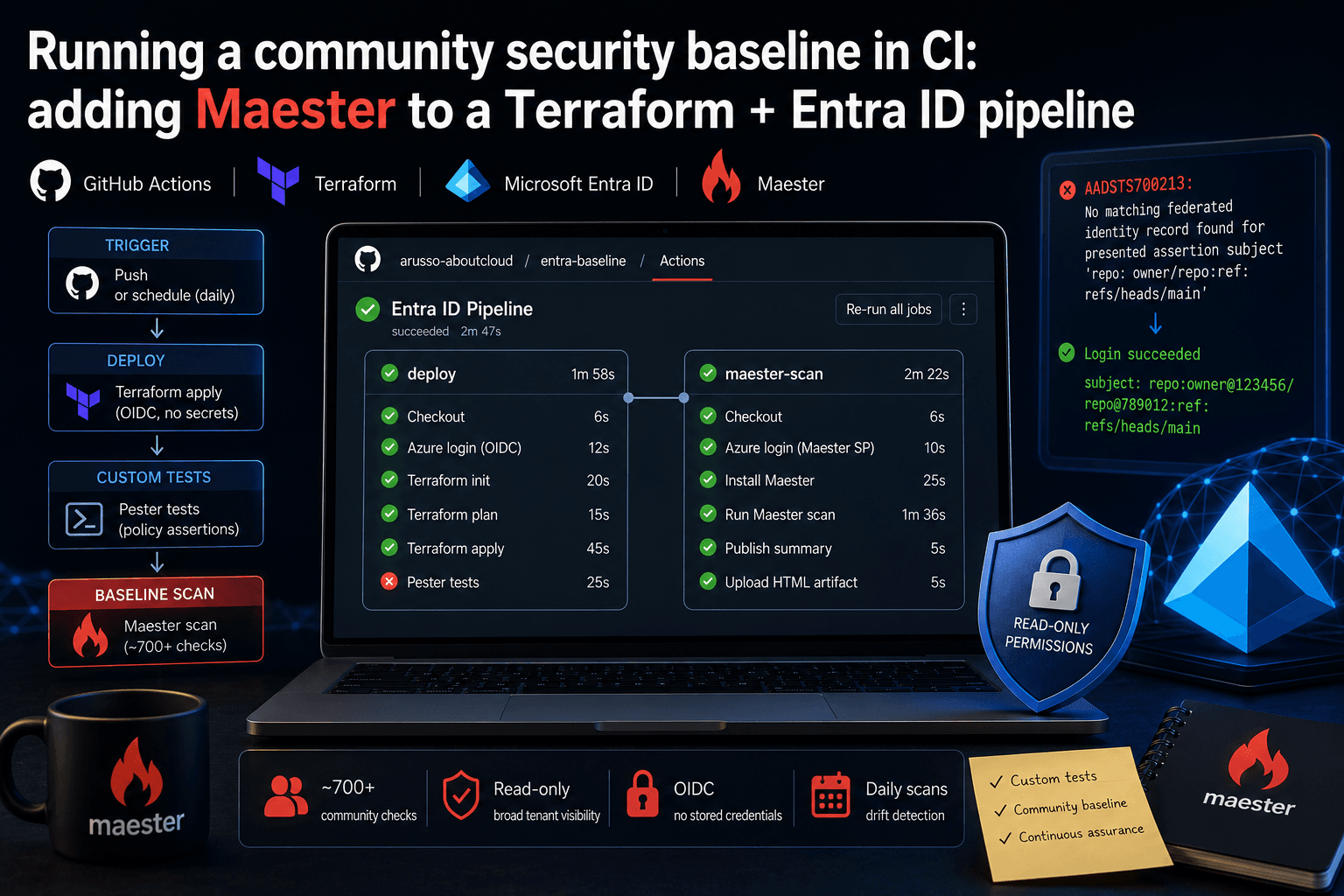
Running a community security baseline in CI: adding Maester to a Terraform and Entra ID GitHub Actions pipeline
Keeping Microsoft Entra ID secure requires constant vigilance. As security configurations, Conditional Access policies, and Privileged Identity Management (PIM) rules evolve, configuration drift becomes an inevitable risk. Manual quarterly reviews leave too much room for silent m
By Antonio Russo
May 17, 2026
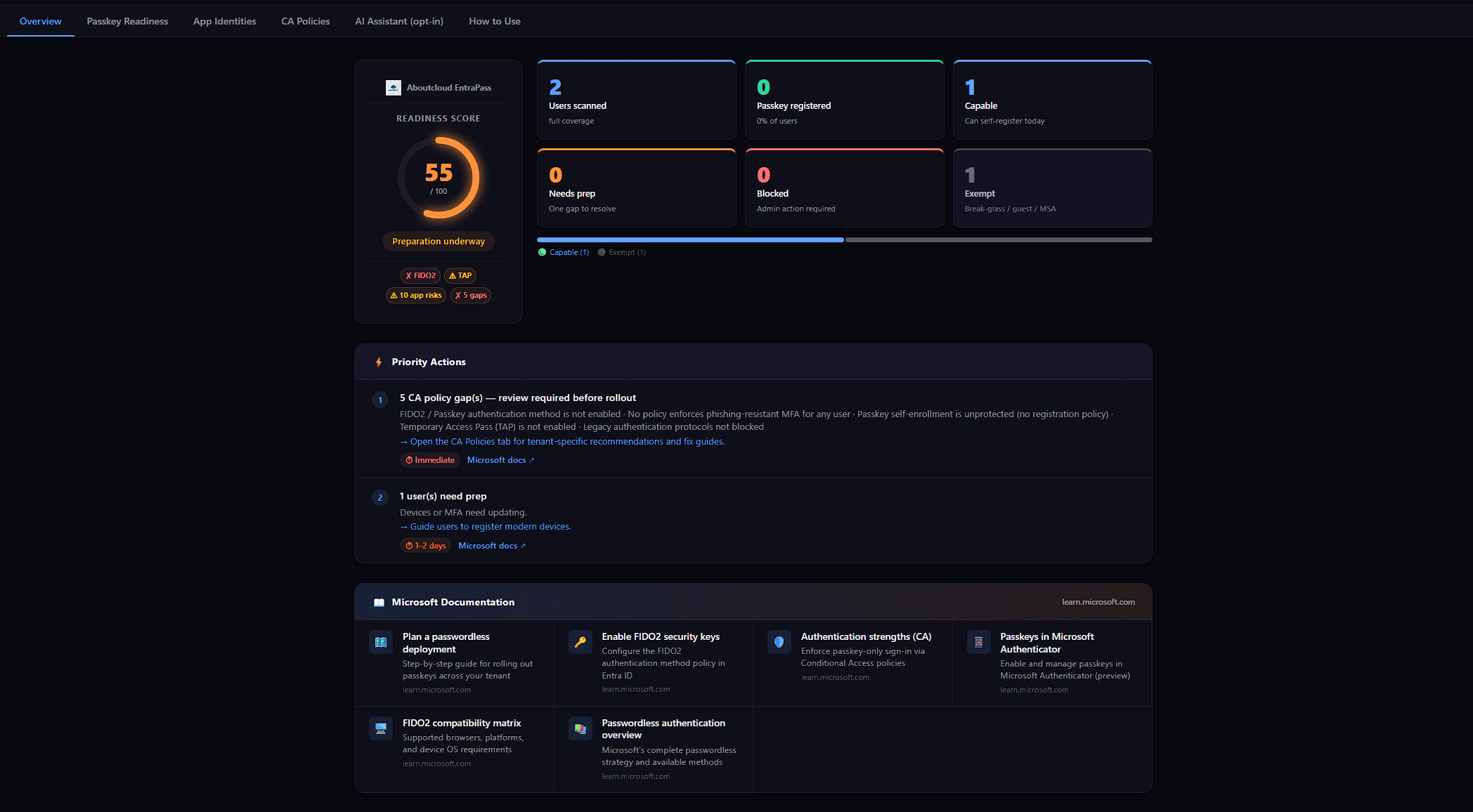
Announcing EntraPass: a passkey readiness scanner that refuses to lie about your tenant
When Microsoft pushed passkeys from future direction to deploy now, I started getting the same question from every IT lead I spoke to: Who in our tenant can actually adopt passkeys this week? And who can't, and why? It's a deceptively simple question. The tooling situation around it is not. The Entra admin portal has the answer spread across four blades. The Microsoft Graph API has the right primitives, but no single endpoint that combines them. The hosted SaaS scanners want either a privilege
By Antonio Russo