All Posts By Antonio RussoApril 1, 2026 · 5 min read
AADSTS Error Code Reference Auto-Updating for the Entra ID Community
By Antonio RussoApril 1, 2026 · 5 min read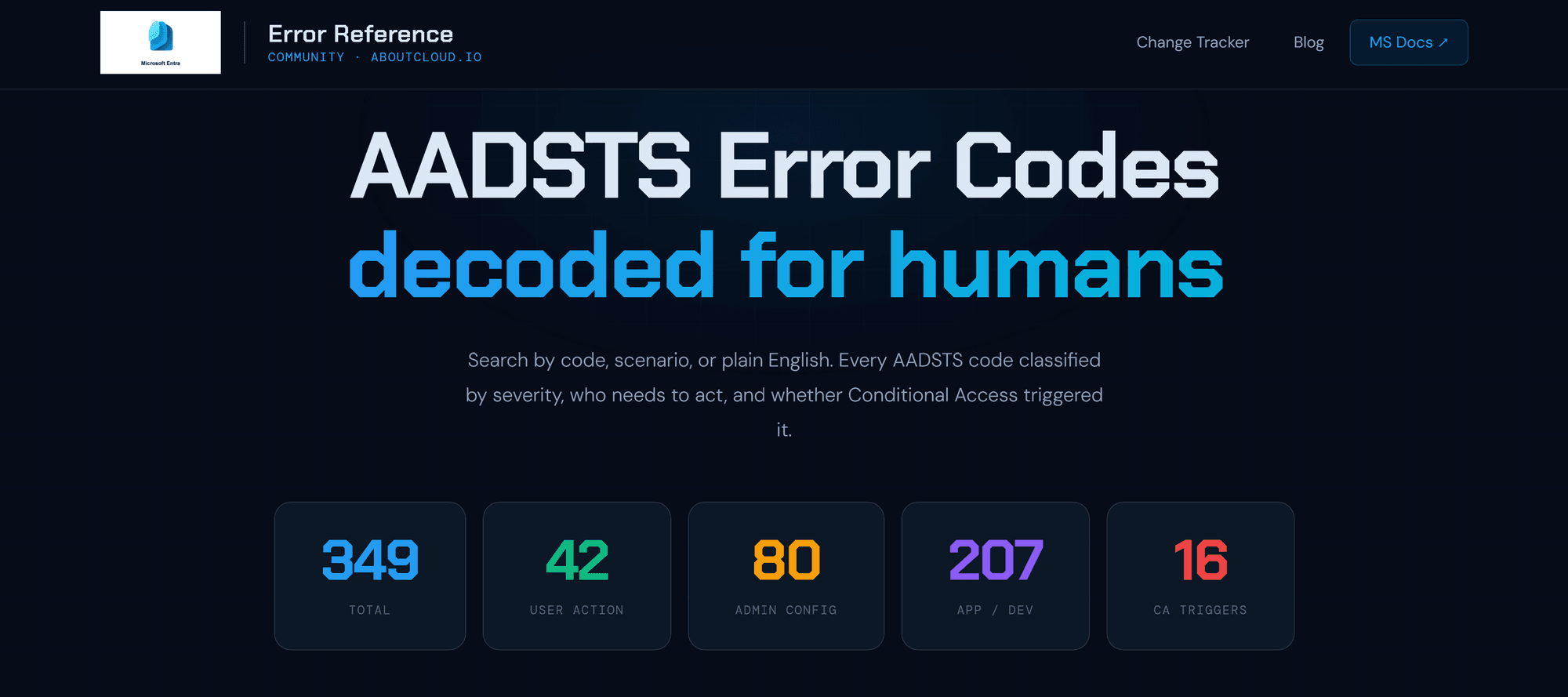
If you have ever Googled an AADSTS error code at 11pm during an incident, you know the experience. You land on a Microsoft Learn page with a flat table, a one-line description, and no indication of whether you need to call the user, fix your app, or wait for Microsoft to sort itself out. You copy the code number, paste it somewhere else, cross-reference three tabs, and eventually figure it out on your own.
I wanted something better. So, I built it and made it completely free, auto updating, and open to the community.
What the community already has — and what was missing
Tools like AzAdvertizer are extraordinary for permissions and policy references. The Entra Change Tracker (which I also built) covers retirements and breaking changes. Microsoft's own documentation is the authoritative source, but it is written for a global audience of all developers, not for the Entra ID admin troubleshooting a Conditional Access block at 2am.
What was missing was a reference built around how people actually encounter these errors — by scenario, not by code number. Nobody wakes up thinking "I need to look up AADSTS50074." They think "my user can't sign in after we enabled a new CA policy."
That is the gap this tool addresses.
 How currently Microsoft present AADSTS Error Code
What makes it different from the Microsoft page
The Microsoft Learn page gives you: a code, a short description, and occasionally a hint. That is it.
This tool adds five layers on top:
1. Scenario-first navigation. Every code is tagged with the scenario that produces it — Conditional Access, MFA enrollment, device compliance, B2B guest access, hybrid identity, token issues, and more. You can filter by scenario and immediately see all relevant codes, ranked and explained.
2. Severity classification. Every code tells you who needs to act: the user, the admin, the developer, or nobody (Microsoft-side transient). This single addition saves enormous amounts of misdirected troubleshooting.
3. CA Trigger flag. 16 of the 349 codes in the current database are directly caused by Conditional Access policies. These are flagged explicitly — so when you see AADSTS53003 or AADSTS50158, you know immediately that the fix lives in your CA policies, not in the app or the user's account.
4. Plain-English fix hints. Not just what the error means, but what to actually do about it. Where to navigate in the portal, what to check, what the common root cause is.
5. Auto-updating diff tracking. The system fetches the official Microsoft Learn error codes page every 6 hours. When a description changes — and Microsoft does update them without announcement, the change is logged with a timestamp. No other community tool has this.
The architecture: zero ongoing AI cost, zero database cost
This is the part I am most proud of from an engineering standpoint. The entire system runs on Cloudflare's free tier and costs nothing to operate per month.
The intelligence layer — severity classification, scenario tagging, CA trigger detection — runs as a deterministic rule engine inside the Cloudflare Worker. No AI API calls at runtime. The classification logic uses keyword matching on the error description and AADSTS code number ranges. New codes detected by the scraper are auto-classified instantly.
The enriched knowledge base (plain-English descriptions, fix hints, scenario mappings) was built once, in a session, using Claude — and baked into the system as a static seed. That seed is stored in Cloudflare KV. It never needs to be regenerated unless Microsoft fundamentally restructures their error categories, which is extremely rare.
Search is powered by Fuse.js, a lightweight client-side fuzzy search library. Every search query runs entirely in the browser, no server round trip, no latency, no cost.

What "fire and forget" actually looks like
Once the system is deployed, it requires no maintenance under normal conditions:
- Every 6 hours: the Worker fetches Microsoft Learn, diffs the result against KV, and stores any new or changed codes with a timestamp
- New codes: auto-classified by the rule engine, flagged with
needs_review: falseif confidence is high - Changed descriptions: logged to the changelog, surfaced on the frontend with a "Recent changes" banner
- Parser health: monitored and surfaced in the sync status bar — if Microsoft restructures their page and the parser breaks, the frontend shows a warning rather than silently serving stale data
The only human intervention needed is if Microsoft completely restructures the error codes page format. In that case, a parser update takes about 15 minutes.
What's next
The current database covers 349 enriched codes — the most commonly encountered in production environments. The auto-sync will grow this organically as the scraper picks up codes from Microsoft Learn.
A few things I am considering for future iterations:
- Community "I've seen this" counter: a lightweight D1-backed counter so the community can signal which errors are actually hitting production at scale. No auth required, just a click. This would create frequency data that does not exist anywhere else.
- Conditional Access blast radius — for codes directly caused by CA policies, a plain-English explanation of exactly which CA control triggered it, cross-referenced with the Change Tracker.
- Article cross-links — as the Entra ID blog series grows, linking relevant posts directly from error code cards.
If you find the tool useful, share it with your team. If you spot a description that is wrong or a fix hint that is outdated, reach out — the community feedback loop is exactly how this gets better over time.
Built on Cloudflare Workers, KV, and Pages. Data sourced exclusively from Microsoft Learn. Not affiliated with Microsoft.
— Antonio | AboutCloud
arusso@aboutcloud.io
Comments
You might also like
Aug 25, 2026
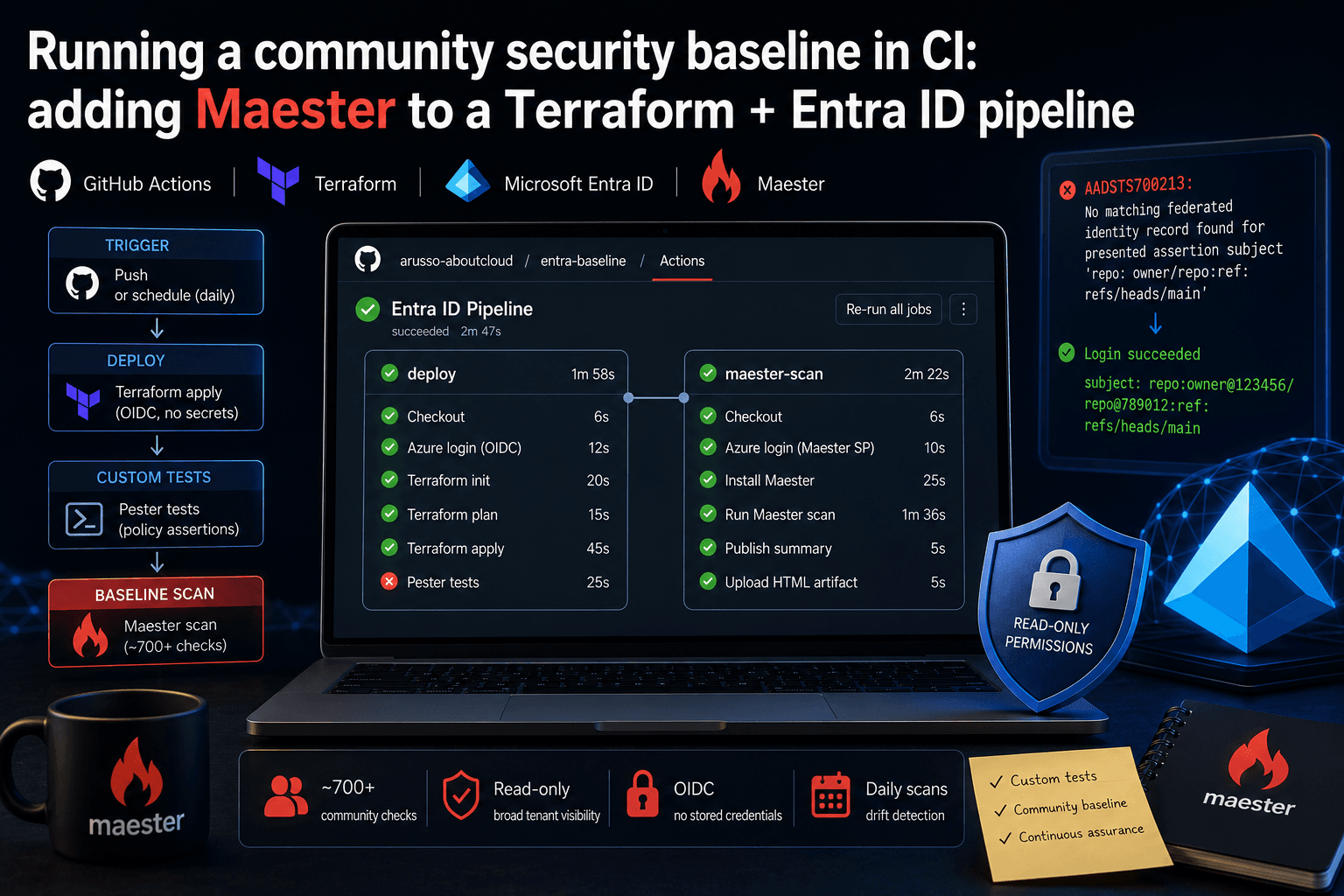
Running a community security baseline in CI: adding Maester to a Terraform and Entra ID GitHub Actions pipeline
Keeping Microsoft Entra ID secure requires constant vigilance. As security configurations, Conditional Access policies, and Privileged Identity Management (PIM) rules evolve, configuration drift becomes an inevitable risk. Manual quarterly reviews leave too much room for silent m
By Antonio Russo
May 17, 2026
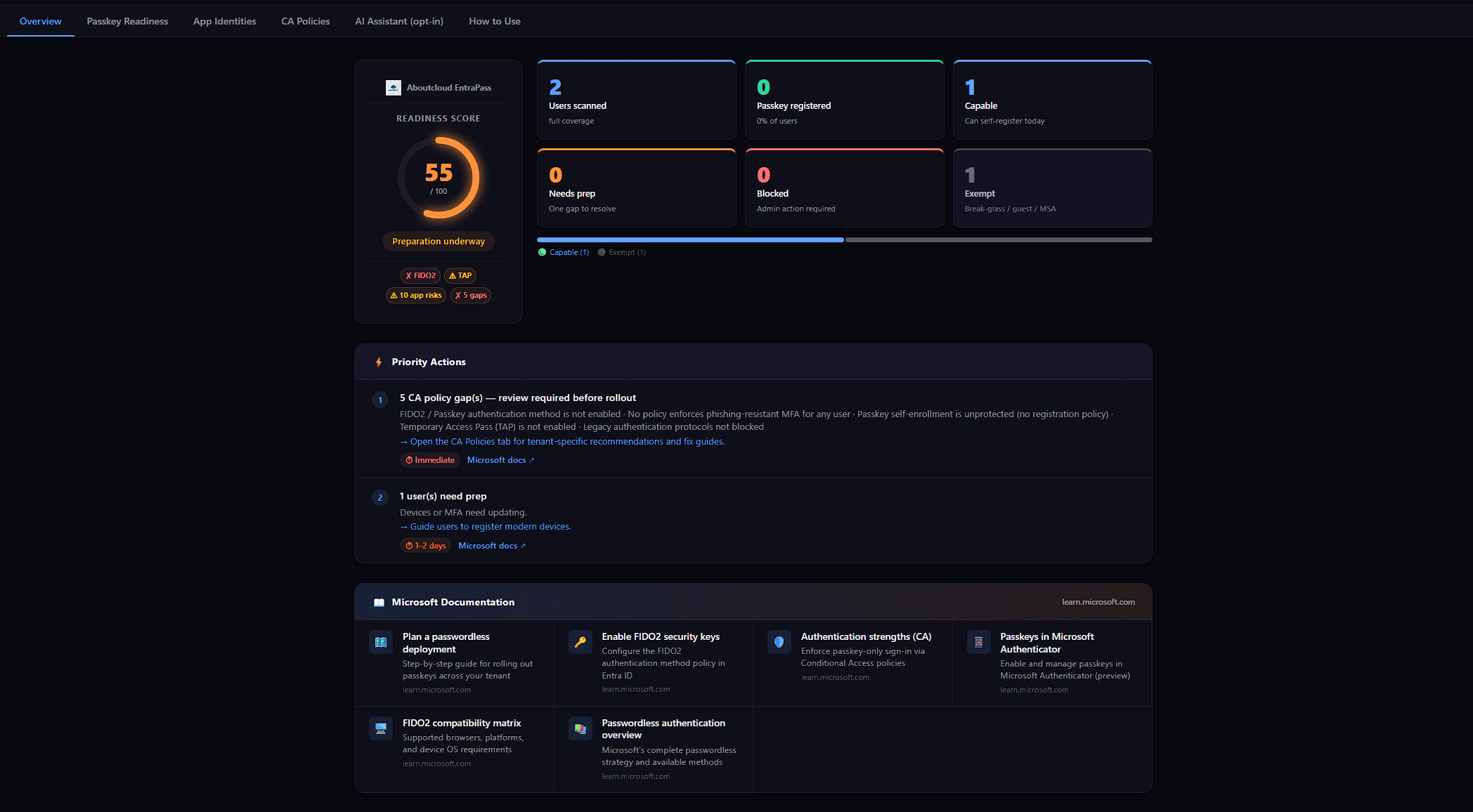
Announcing EntraPass: a passkey readiness scanner that refuses to lie about your tenant
When Microsoft pushed passkeys from future direction to deploy now, I started getting the same question from every IT lead I spoke to: Who in our tenant can actually adopt passkeys this week? And who can't, and why? It's a deceptively simple question. The tooling situation around it is not. The Entra admin portal has the answer spread across four blades. The Microsoft Graph API has the right primitives, but no single endpoint that combines them. The hosted SaaS scanners want either a privilege
By Antonio Russo