All Posts By Antonio RussoMarch 26, 2026 · 3 min read
Synced passkeys and passkey profiles are now available. Completing the Phishing Resistant Loop
By Antonio RussoMarch 26, 2026 · 3 min read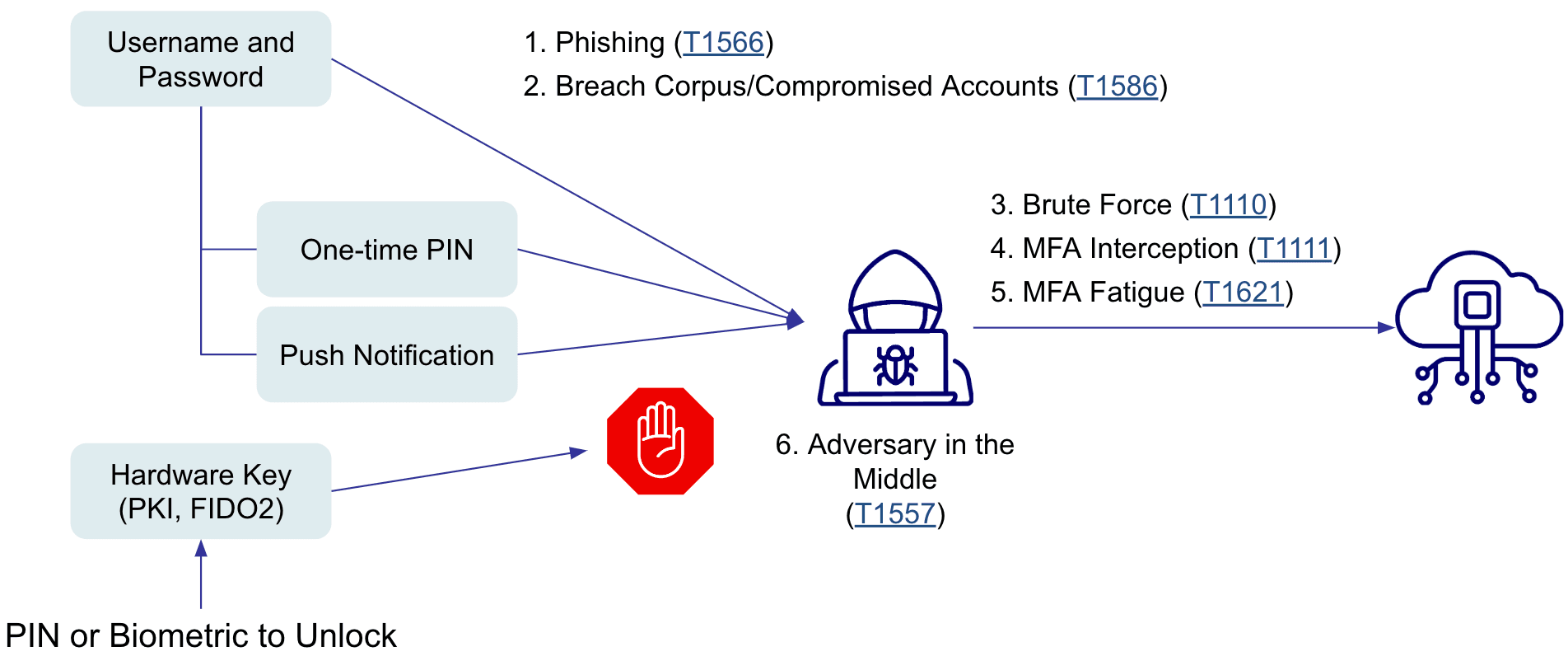
Entra Passkey Profiles: Why You Need to Intercept the 2026 Migration Now
If you’ve logged into your Entra portal lately, you’ve seen the banner. Microsoft is pushing us toward a "new experience" for Passkeys. While the prompt looks like just another UI update, there is a massive architectural shift happening under the hood.

Between March and May 2026, Microsoft will auto-migrate every tenant to Passkey Profiles. If you stay on the sidelines, you’re letting Microsoft set your defaults—and that likely means opening the door to synced passkeys on personal devices.
In my previous post on Unified Risk Signals, I talked about how the Entra Risk Engine is getting smarter at detecting threats. But a smart signal is useless if your enforcement is weak. Here is how I’ve been testing the move to Device-bound Passkeys to close that loop.
Stop the Auto-Migration
The first thing you’ll see in the portal is the opt-in banner. My advice? Don't wait for the forced push in April.
By manually editing the default profile now, you prevent the "Microsoft-managed" logic from making decisions for your enterprise. You get to define exactly what a "safe" passkey looks like in your environment.
Fine-Tuning the Profile: Attestation is Key
This is where the real security happens. In the new Profile settings, we finally get granular control over hardware requirements.

Attestation is Your Firewall
When I lab-tested the new profile settings, one thing became immediately clear: Attestation is the only thing standing between you and "Shadow Passkeys."
If you leave Attestation off, Entra will accept almost anything. By toggling it to Yes, you’re demanding cryptographic proof of where that key lives. For my "High-Assurance" groups, I’ve locked this down to specific AAGUIDs (Authenticator Attestation GUIDs).
By whitelisting Microsoft Authenticator specifically, you ensure the phone acts as a managed security broker, feeding device-health signals back into the very Risk Engine we discussed in my previous post.
The Bigger Picture: Closing the Loop
Security isn't about single settings; it’s about the chain.
If my Unified Risk Signals tell me a sign-in is suspicious, my response is to demand a Phishing-Resistant credential. By upgrading to Passkey Profiles today, I am ensuring that the credential used is hardware-bound and attested.
We are moving from "hoping" the MFA is secure to "proving" it through hardware.
Attestation Hardware-level proof. Use this to block synced "shadow" passkeys on personal devices. AAGUID Whitelisting Lock your registration to Microsoft Authenticator to keep the app as your primary security broker. Campaign Logic Ditch the "Microsoft-managed" defaults for a custom snooze that fits your helpdesk's capacity.If you're running a similar setup or have questions, reach out in the comments or on LinkedIn.
— Antonio | AboutCloud
arusso@aboutcloud.io
Tags
Comments
You might also like
Aug 25, 2026
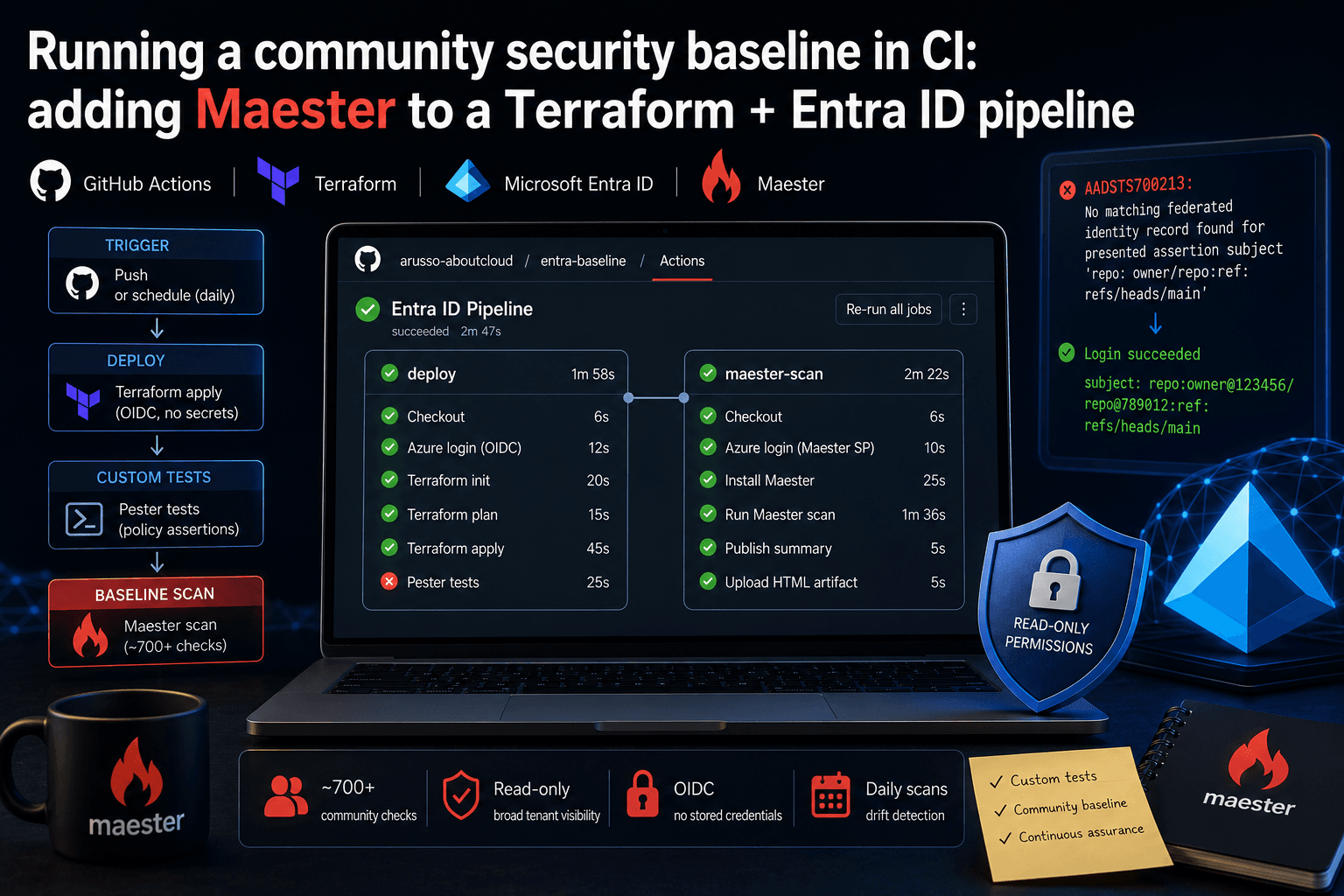
Running a community security baseline in CI: adding Maester to a Terraform and Entra ID GitHub Actions pipeline
Keeping Microsoft Entra ID secure requires constant vigilance. As security configurations, Conditional Access policies, and Privileged Identity Management (PIM) rules evolve, configuration drift becomes an inevitable risk. Manual quarterly reviews leave too much room for silent m
By Antonio Russo

Aug 12, 2026
Entra Tenant Governance hits GA: what it actually solves and where it sits in your 2026 stack
A practical read for engineering and governance teams , the actual API surface, the limits that shape your design, and an honest comparison against Microsoft365DSC | Tenant Configuration Management APIs, Maester, ScubaGear and Azure Policy. If you run identity for an organization of any size, you have two lists. The list of tenants you manage, and the list of tenants that exist. They are not the same list, and the gap between them is where incidents start. On 10 August, Microsoft moved Entra T
By Antonio Russo